Information Mode
Service Interval
Service
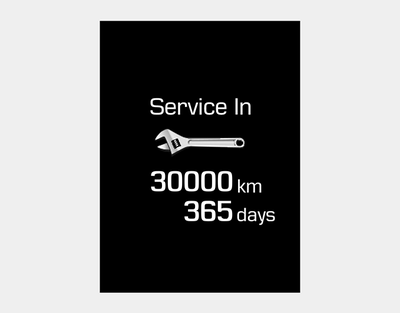
Calculates and displays when scheduled maintenance is required (in kilometers or days).
If the remaining distance or time reaches 1500 km or 30 days, the "Service in" message appears for a few seconds each time you turn the ignition on or press the Start/Stop button to the ON position.
For information on setting the service interval, refer to the "User Settings Mode" section on the LCD screen.
Service Required
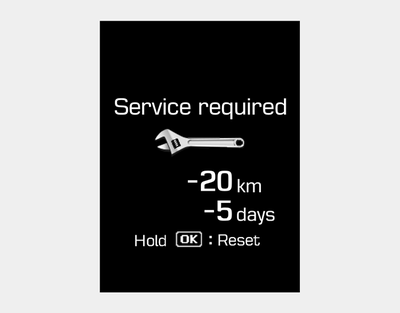
If your vehicle is not serviced according to the scheduled service interval, the "Service Required" message appears for a few seconds each time you turn the ignition on or press the Engine Start/Stop button to the ON position.
To reset the service interval by distance and number of days, proceed as follows:
- Press and hold the OK button for more than 1 second.
Service interval OFF
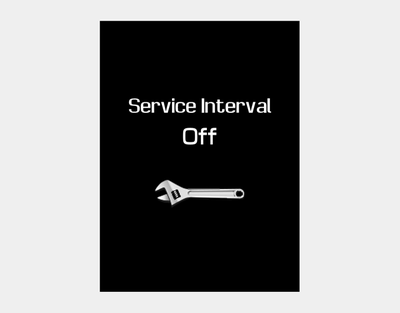
If the service interval is not set, the "Service Interval OFF" message appears on the LCD display.
 Intelligent
In the following situations, the service distance and number of days may be incorrect.
- The battery cable is disconnected.
- The fuse switch is deactivated.
- The battery is discharged.
Warning Message
If any of the following events occur, a warning message will be displayed in the information mode for a few minutes.
- Low fuel level, etc.
Test yourself
A quick Hyundai i20 quiz: every answer comes with an explanation and a link to the manual page.