Practical Features of Your Vehicle
LCD Modes
In this manual: Practical Features of Your Vehicle
~1min read
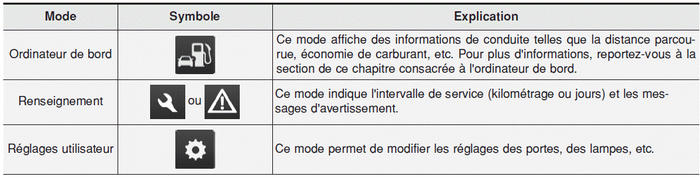
For controlling the LCD display modes, refer to "LCD Display Control" in this chapter.
You cannot change settings while driving
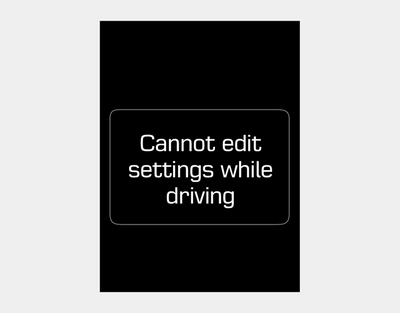
This warning message appears when you try to select another user setting while driving.
For safety, change the user settings after parking the vehicle, applying the parking brake, and shifting the shift lever to N (Neutral).
Quick Guide (Help, if available)
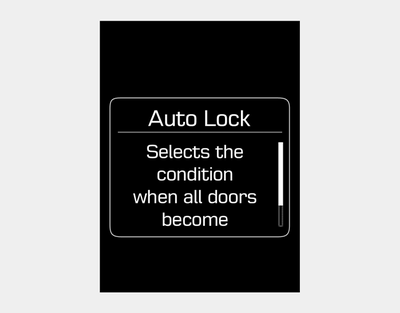
If you press and hold the OK button in the user settings mode, an explanation of the selected item is displayed on the screen.
Test yourself
A quick Hyundai i20 quiz: every answer comes with an explanation and a link to the manual page.
Was this page helpful?