Interior Features
Basic Operation Method
In this manual: Interior Features
~1min read
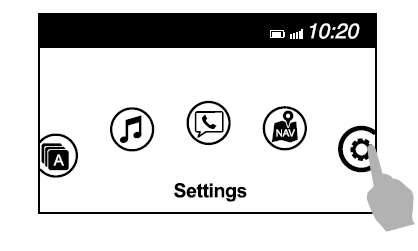
TOUCH & TAP
SLIDE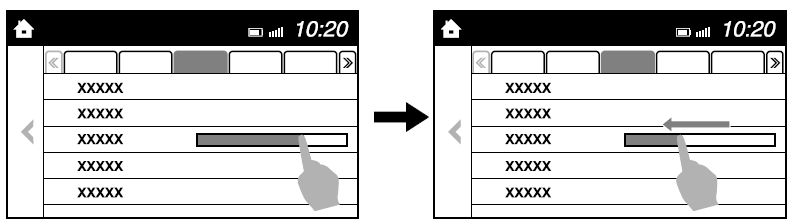
SWIPE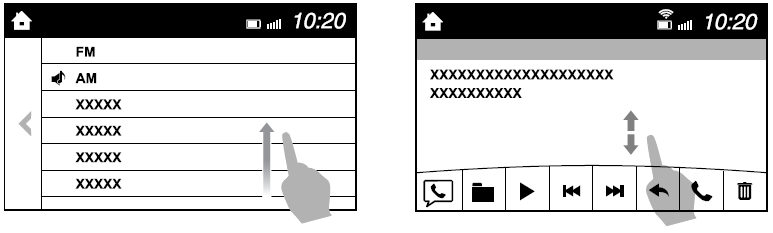
Return to previous screen
Displaying the home screen
1. Touch or tap on the item indicated on the screen.
2. The operation is launched and the next item is displayed.
SLIDE
1. Touch the setting item displaying a slider bar.
2. Touch the slider with your finger and move to the desired level.
SWIPE
1. Touch the screen with your finger and move up or down.
2. Items which were not displayed can be displayed.
Return to previous screen
1. Touch the  .
Displaying the home screen
1. Touch the  .
Test yourself
A quick Mazda 6 quiz: every answer comes with an explanation and a link to the manual page.
Was this page helpful?