Trip computer in Graphic-Info-Display or Color-Info-Display
Select BC 1 or BC 2 from the trip computer menu.
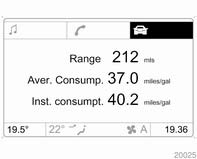
Range Range is calculated from current fuel tank content and instantaneous consumption. The display shows average values.
After refuelling, the range is updated automatically after a brief delay.
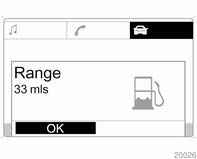
When the fuel level in the tank is low, the message Range appears in the display.
When the fuel tank is nearly empty, the message Please refuel! appears in the display.
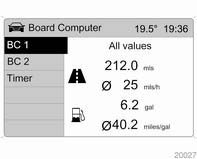
Instantaneous consumption
Displays the instantaneous consumption. At low speeds, consumption per hour is displayed.
DistanceDisplay of distance travelled.
Average speed Display of average speed.Stoppages in the journey with the ignition off are not included in the calculations.
Absolute consumptionDisplays fuel consumed.
Average consumptionDisplays average consumption.
Restart trip computerThe measurement or calculation of the following trip computer information can be restarted: ■ Distance,
■ Average speed,
■ Absolute consumption, ■ Average consumption.
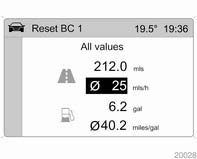
Select BC 1 or BC 2 from the Board Computer menu.
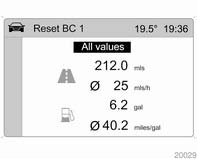
The information of the two trip computers can be reset separately, making it possible to evaluate data from different time periods. Select the required trip computer information and confirm.
To reset all information of a trip computer, select menu item All values.
Test yourself
A quick Opel Corsa quiz: every answer comes with an explanation and a link to the manual page.