Driving checks
Monochrome screen A
In this manual: Driving checks
~1min read
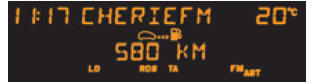
Displaying data
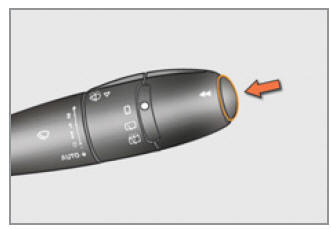
- Press the button located at the end of the wiper stalk to scroll through the on-board computer data in turn.
The on-board computer data are as follows:
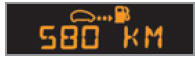
- range on the fuel remaining in the tank,
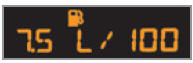
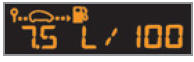
- instantaneous fuel consumption,
- distance travelled,
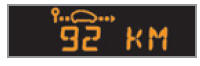
- average consumption,
- average speed.
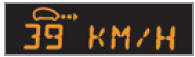
- Pressing it again returns to the current display.
Resetting
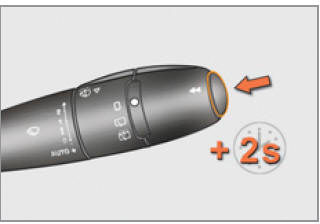
- Press and hold the control for more than two seconds to reset the distance travelled, average fuel consumption and average speed.
The system displays current information about the journey (range on the fuel remaining in the tank, fuel consumption, ...).
Test yourself
A quick Peugeot 207 quiz: every answer comes with an explanation and a link to the manual page.
Was this page helpful?