Traction Control System
The Traction Control System improves vehicle stability when necessary, regardless of road surface type or tire grip, by preventing drive wheel spin.
As soon as the system detects wheel spin, engine power is reduced and the wheel that is spinning more than the others is braked individually. This improves vehicle stability on slippery road surfaces.
The Traction Control System is ready for operation as soon as the indicator light goes out.
While the system is actively operating, the indicator light flashes.
This active safety system does not allow the driver to drive aggressively.
Vehicle speed must be appropriate for road conditions.
Display
Deactivation
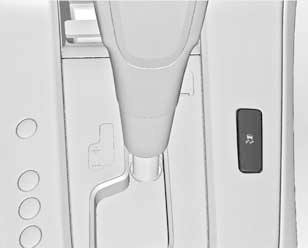
If drive wheel spin is required, the system can be turned off. To do so, press and hold the button for approximately 2 seconds.
The indicator light will illuminate
To turn the system back on, press the buttonagain.
In addition, the Traction Control System will turn on again the next time the ignition is switched on.
Test yourself
A quick Chevrolet Cruze quiz: every answer comes with an explanation and a link to the manual page.