Audio and telematics
Menu
In this manual: Audio and telematics
~1min read
 Navigation
(Depending on equipment)
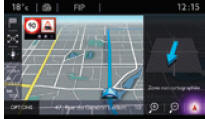
Allows you to set route guidance parameters and select a destination.
 Connected services
(Depending on equipment)
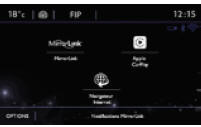
Allows connection to the "Web browser".
Allows use of certain smartphone applications via MirrorLinkTM or CarPlay.
 Radio Media
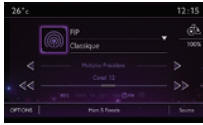
Allows you to select an audio source and radio station, and display photos.
 Telephone
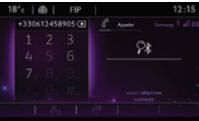
Allows you to connect a phone via Bluetooth.
Allows access to CarPlay functions after connecting the smartphone with a USB cable.
 Settings
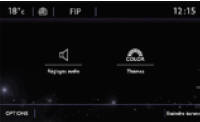
Allows you to set the sound (balance, tone...), graphic formats and display (language, units, date, time...).
 Driving
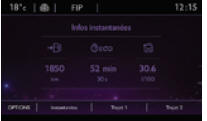
Access to the on-board computer.
Switch on/off and set parameters of certain vehicle functions.
Test yourself
A quick Citroen DS3 quiz: every answer comes with an explanation and a link to the manual page.
Was this page helpful?