Driving Your Vehicle
Flex Steering Wheel
In this manual: Driving Your Vehicle
~1min read
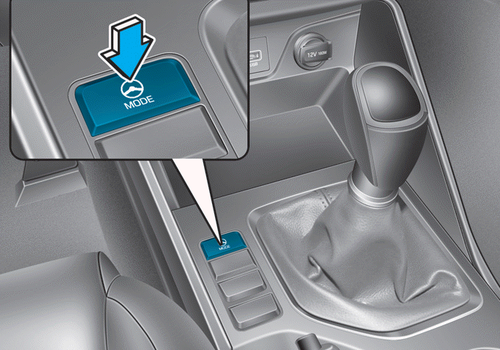
¦ Left-Hand Drive
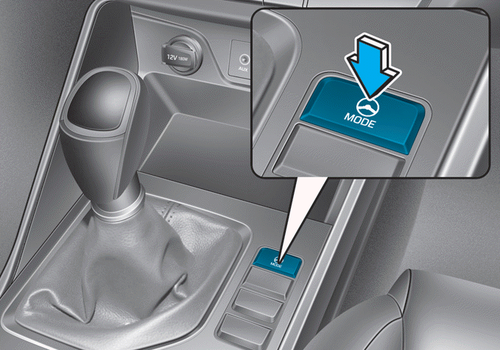
¦ Right-Hand Drive
The Flex Steering Wheel adjusts steering effort to suit driver preference and road conditions.
You can select the desired steering mode by pressing the corresponding button.
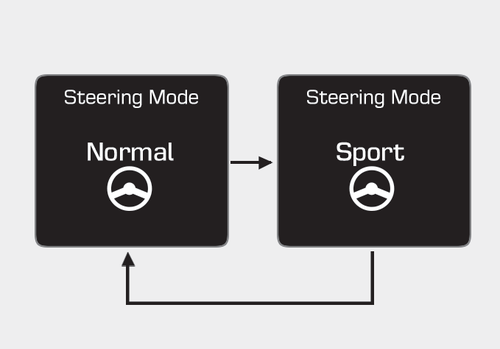
¦ Type A
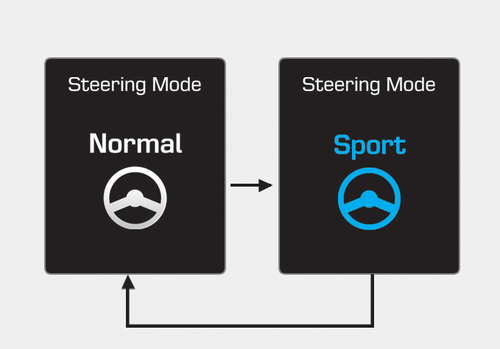
¦ Type B
The steering mode settings are displayed on the LCD screen when the driver presses the steering mode button.
Press and hold the steering mode button for 4 seconds to scroll through the available options.
After this time, the display will return to the previous screen.
Normal Mode
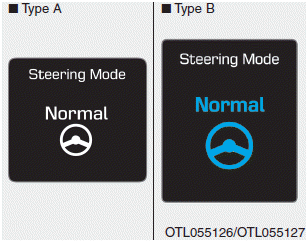
Select Normal Mode for standard steering effort.
sport mode
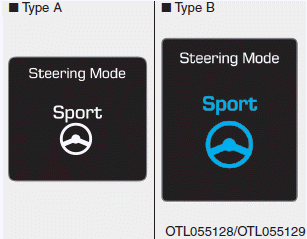
Select Sport Mode for firmer steering. This mode is especially suitable for highway driving.
 WARNING
- When the driver presses the steering mode button while driving, the setting changes on the LCD screen. However, this change is not applied immediately for safety reasons. The steering effort is automatically set to the selected mode when you turn the steering wheel.
- Be very careful when changing modes while driving.
- The Flex Steering Wheel is inactive if there is a malfunction in the Electric Power Steering (EPS) system.
Test yourself
A quick Hyundai Tucson quiz: every answer comes with an explanation and a link to the manual page.
Was this page helpful?