I-Da
Always perform the Intelligent Drive Alertness (I-DA) system action test to check that the system operates normally after replacing the around view monitor control unit and any Intelligent Drive Alertness (I-DA) system malfunction.
Precautions: Refer to Precaution for I-DA System Service.
System description for I-DA: Refer to System Description.
Normal operating condition: Refer to Description.
Precautions: Refer to Precaution for I-DA System Service.
System description for I-DA: Refer to System Description.
Normal operating condition: Refer to Description.
CHECK I-DA SYSTEM SETTING
Start the engine to READY.
After set the Nissan Murano vehicle to READY wait for 30 seconds or more.
Check that the I-DA system setting can be enabled/disabled on the combination meter.
Turn OFF the ignition switch and wait for 5 seconds or more.
Check that the previous setting is saved when the engine starts again.
GO TO 2.
ACTION TEST FOR INTELLIGENT DRIVE ALERTNESS (I-DA)
Enable the setting of the I-DA system on the combination meter.
Check the I-DA operation according to the following table:
Nissan Murano Vehicle condition/Driver’s operation Display on combination meter I-DA OFF — I-DA ON 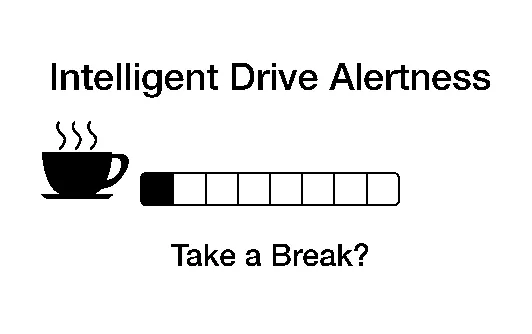
Inspection End.