I-Li
Description
Perform action test to verify the customer's concern.
Perform action test and check the system operation after system diagnosis.
CHECK I-LI SYSTEM SETTING
Start the engine.
Check that the I-LI system setting can be enabled/disabled in the Nissan Murano vehicle information display.
Turn OFF the ignition switch and wait for 30 seconds or more.
Check that the previous setting is saved when the engine starts again.
GO TO 2.
ACTION TEST FOR I-LI
Enable the setting of the I-LI system in the Nissan Murano vehicle information display.
Check the I-LI operation according to the following table.
Nissan Murano Vehicle condition/ Driver's operation Action Indication on the combination meter Buzzer Less than Approx. 50 km/h Close to lane marker No action 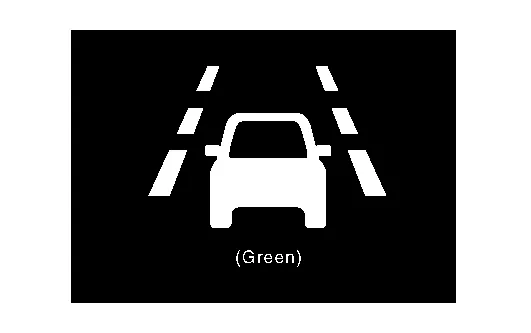
— Approx. 60 km/h or more Close to lane marker Warning and yawing
Buzzer sounds
Warning lamp blinks
Brake control
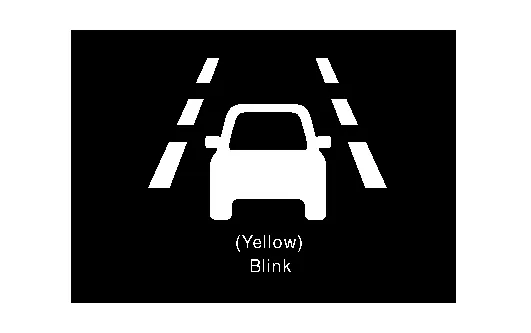
Short continuous beeps Close to lane marker
Turn signal ON (Deviate side)
No action — Close to lane marker with soft braking Warning
Buzzer sounds
Warning lamp blinks
Short continuous beeps VDC OFF Switch
OFF ⇒ ON
(VDC system ON ⇒ OFF)
Road condition is wet
Lane camera temperature is high
Cancellation
Buzzer sounds
Each message is displayed
Each message is displayed Beep
Inspection End.