Appendices
The App view contains apps that provide access to certain vehicle services.
Swipe the center display screen from right to left1 to access the App view from the Home view. This view displays downloaded apps (third-party apps) as well as apps for integrated functions, such as FM radio.
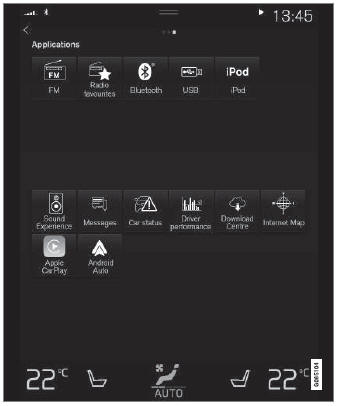
App. (generic illustration; basic apps vary depending on market and model)
A few basic apps are always available. More apps, such as web radio and music services, can be downloaded when the car is connected to the Internet.
Some apps can only be used when the vehicle is connected to the Internet.
Start an app by tapping the app in the App view of the center display.
All installed apps must be updated to the latest version.
1 Applies to left-hand drive vehicles. For right-hand drive vehicles, swipe in the other direction.
Test yourself
A quick Volvo XC90 quiz: every answer comes with an explanation and a link to the manual page.