Selecting a track
Buttons on the CD player
Press the button with the corresponding arrow until the required track is found.
The track number is shown on the control display. Tracks can also be changed using the buttons on the steering wheel, see
page 9.
Via iDrive
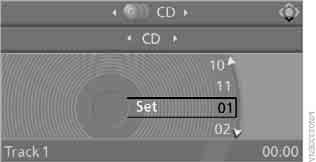
Turn the controller to select the track number.
Compressed audio files
1. Select a folder and press the controller.

2. Select a track and press the controller.
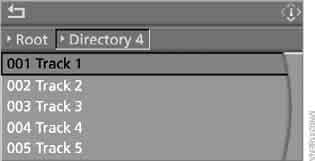
To go to another folder, select it and press the controller.
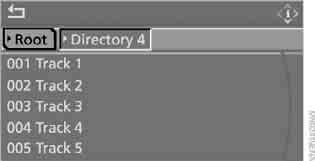
To exit the menu, select and press the controller.
If two CD drives are fitted, certain tracks can be programmed onto the direct selection buttons.
Displaying file information
You can display information on compressed audio files, such as the artist name or album title.
1. Press the controller.
2. Select “Details” and press the controller.
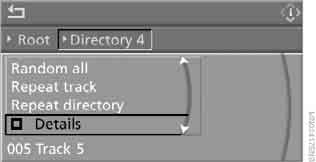
Information on the current file is displayed.
This setting is stored in the memory for the key currently in use.
Test yourself
A quick BMW X3 quiz: every answer comes with an explanation and a link to the manual page.