Rear Climate Control
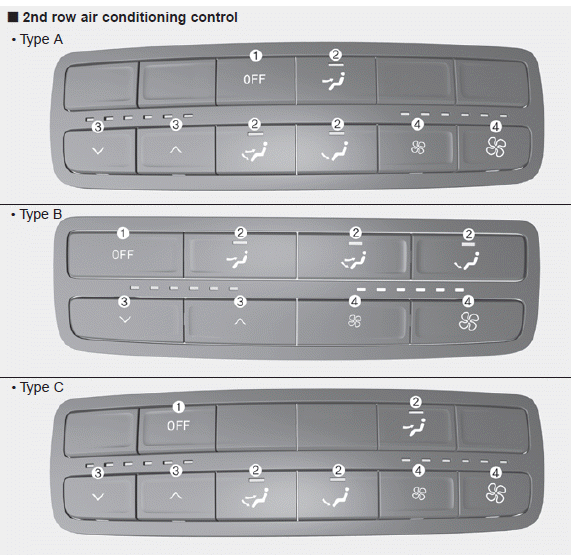
1. OFF button
2. Mode selection button
3. Temperature control button
4. Fan speed control button
When the rear climate control button on the front climate control panel is pressed, rear passengers can control the rear climate system using the rear climate control system.
Blower Speed Control
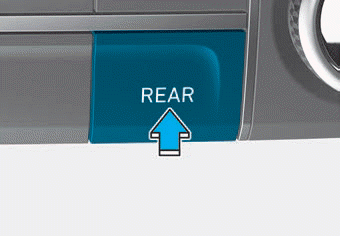
1. Press the rear climate control button on the front climate control system.
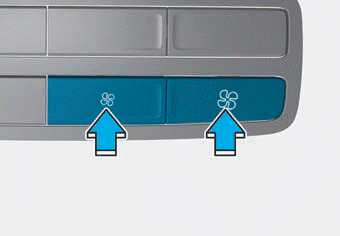
2. The fan speed can be set to the desired speed by pressing the fan speed control button. The higher the fan speed, the greater the amount of air delivered.
Pressing the OFF button turns the blower off.
Temperature Control
1. Press the rear climate control button on the front climate control system.
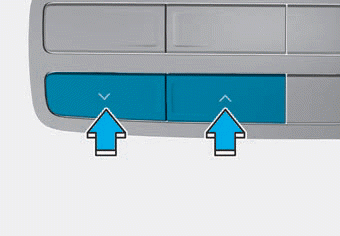
2. To turn off the 3rd row climate control system, press the 3rd row A/C ON/OFF button again located on the front climate control panel, or set the fan speed to the OFF position with the 3rd row fan speed switch (the ON/OFF button indicator light will not illuminate).
OFF Mode
Press the OFF button to turn off the rear climate control system.
Mode Selection
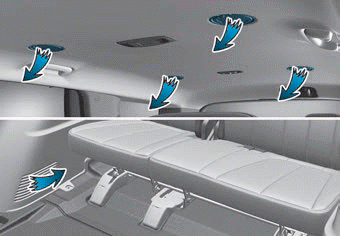
You can select the direction of the airflow through the ventilation system.
The front climate control system heating or cooling can be adjusted for passengers in the 2nd row seats. Airflow is directed from the floor.

: Airflow is directed to the upper body from the rear ceiling.

: Airflow is directed to the upper body and floor.

: Airflow is directed to the floor.
Rear Ceiling Vents
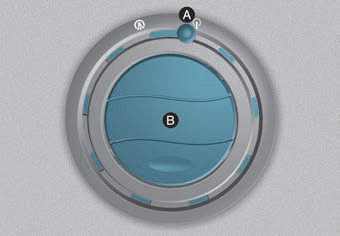
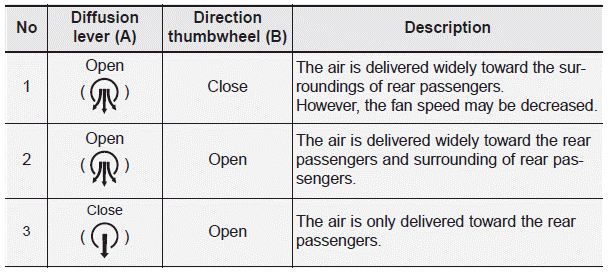
Rear passengers can adjust the direction of airflow from the rear ceiling vents.
If you operate the rear climate control with the rear quarter windows closed, noise may be heard. When operating the rear climate control, open two or more rear vents.
Test yourself
A quick Hyundai Palisade quiz: every answer comes with an explanation and a link to the manual page.