Multimedia System
System Settings
In this manual: Multimedia System
~1min read
press key
 Select [System] using the TUNE knob or
 key
 Select the menu using the
 SETUP knob
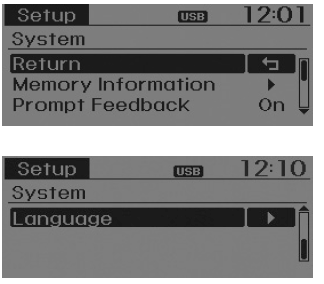
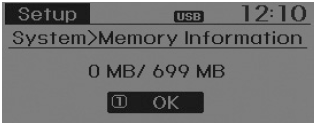
Memory Information
Displays the memory in use and the total system memory capacity.
Select [Memory Information] OK The currently used memory is displayed on the left, and the total system memory is displayed on the right.
Real-Time Feedback
This function is used to change the voice command feedback between Normal and Expert modes.
Select [Real-Time Feedback] Set using the
 SETUP knob
- On: This mode is intended for novice users and provides detailed instructions during voice command operation.
- Off: This mode is intended for experienced users and omits some information during voice command operation. (When using Expert mode, navigation instructions can be heard using the [Help] or [Menu] commands.)
Language
This menu is used to set the display and voice recognition language. Select language] Set using the
 SETUP knob
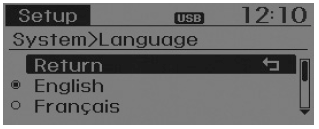
❈ The system will restart after the language is changed.
❈ Language support by region - English, French, Spanish
Test yourself
A quick Hyundai Tucson LM quiz: every answer comes with an explanation and a link to the manual page.
Was this page helpful?