Using Radio Mode
Preset Selection/Storage
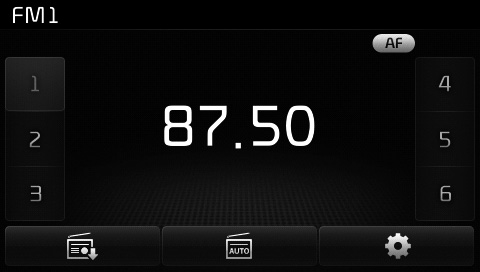
Press buttons 1~6 to play the desired preset.
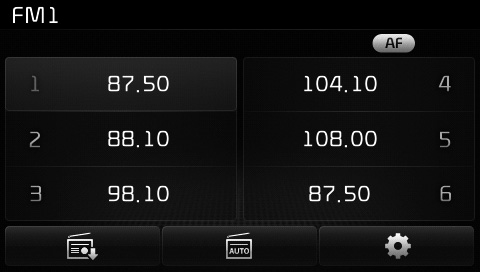
press Press the key to display the broadcast frequency information stored for each button.
✽ NOTICE
While listening to a frequency you want to store as a preset, press and hold one of the preset buttons 1–6 (more than 0.8 seconds) to store the current frequency to the selected preset.
Auto Store
press Press the key to automatically store received frequencies to the Preset buttons.
✽ NOTICE
During Auto Store operation, pressing the [Cancel] button cancels Auto Store and restores the previous frequency.
RDS Menu
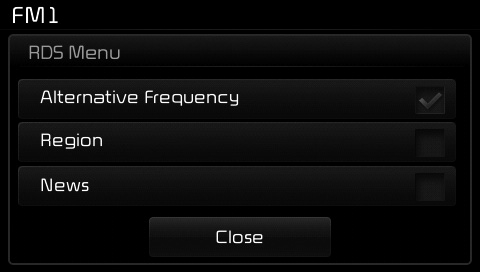
press Press the key to set AF (Alternative Frequency), region and news functions.
✽ NOTICE
The RDS menu is not supported in AM or AMA mode.
Scan
Press and hold the key (more than 0.8 seconds): Previews each broadcast for 5 seconds each.
✽ NOTICE
After the scan is complete, the previous frequency is restored. During scanning, press the  key (less than 0.8 seconds) to cancel the scan operation.
Test yourself
A quick Kia Cee'd quiz: every answer comes with an explanation and a link to the manual page.