Warning Message
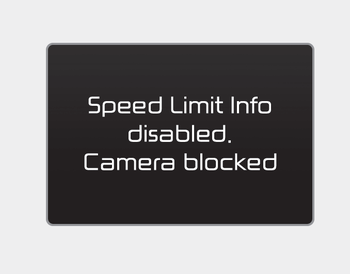
A message will appear when the camera field of view is blocked by some objects. The system will stop operating until the field of view is normal.
Check the windshield around the camera field of view.
If the system does not operate normally even though the camera field of view is clear, we recommend having the system checked by an authorized Kia dealer.
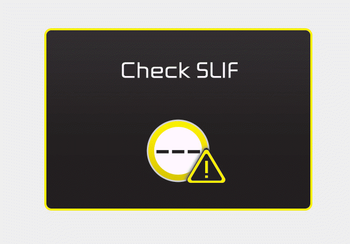
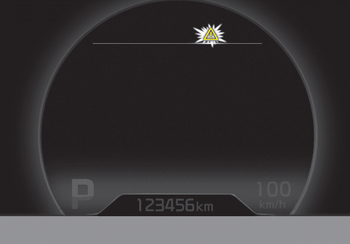
When SLIF does not operate properly, a warning message will appear for a few seconds. After the message disappears, the master warning light will illuminate.
We recommend that the system be inspected by an authorized Kia dealer.
The system may not operate fully and may not provide correct information in the following situations.
- Road signs are located on sharp curves.
- Road sign is poorly positioned (e.g. turned, shaded by an object, damaged...).
- Road signs are blocked by another vehicle.
- LED road signs are malfunctioning.
- Bad weather, such as snow, rain, or fog.
- Glare around road signs from the low sun in the sky.
- Insufficient lighting of road signs at night.
- Bright lights are present around road signs.
- Dirt, ice or frost on the windshield in the camera area.
- When the camera field of view is blocked by objects such as a sticker, paper, or fallen leaves.
- When driving very close to the vehicle ahead of you.
- When the navigation system is malfunctioning.
- When a bus or truck with a speed sticker passes you.
- When you are in a region or country where the navigation system does not provide coverage.
- When the navigation system map is not updated to the latest version.
Test yourself
A quick Kia Cee'd quiz: every answer comes with an explanation and a link to the manual page.