Renault Kangoo 2 Electric Owner's Manual
Trip computer
In this manual: Renault Kangoo 2 Electric Owner's Manual
2steps
~12min
1/5difficulty
Done 0 of 2
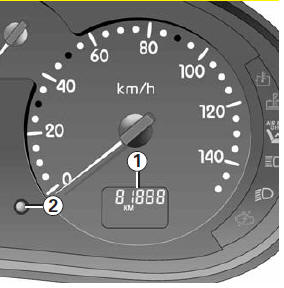
- Display
- On-board computer reset button
Automatic reset The reset is automatic when the capacity of one of the memories is exceeded.
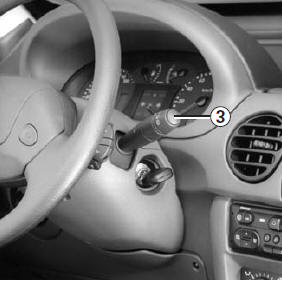
3 Display selection button
Scrolls through the following information with short successive presses of button 3:
- overall odometer,
- trip odometer,
- range estimate (km).
| Examples of display selection by short successive presses of 3 | Display interpretation |
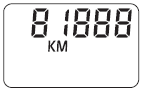 |
Overall distance travelled. |
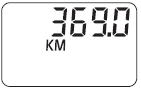 |
Trip distance travelled. |
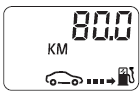 |
Range estimate (km) (electric only) |
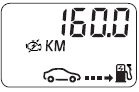 |
Range estimate (km) (with range extender) |
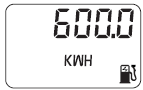 |
Mains energy total (kWh) This screen is displayed by a long press of button 3 from the overall distance travelled screen. A short press displays the total odometer again. |
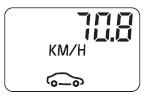 |
Average speed since last reset This screen is reached by a long press on button 3 from the trip odometer screen. |
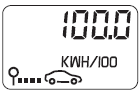 |
Average electricity consumption since last reset This screen is reached by a short press on button 3 from the average speed screen (in full electric mode). Two short presses display the trip odometer again. |
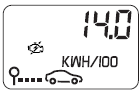 |
Average electricity consumption since last reset This screen is reached by a short press on button 3 from the previous average electricity consumption screen (with range extender). One more short press displays the trip odometer again. |
Test yourself
A quick Renault Kangoo quiz: every answer comes with an explanation and a link to the manual page.
Was this page helpful?