Speaking commands
Activating the voice control system
1. Press the button on the steering wheel .
 The symbol on the control display and an audible signal indicate that a command can be spoken.
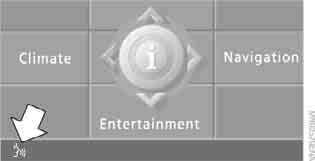
2. Speak the command.
The command is shown on the control display.
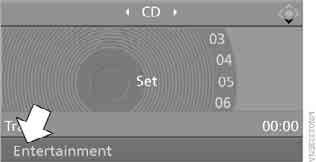
 This symbol appears on the control display when the system is ready to accept the next command.
If no further voice commands are given, continue operating with iDrive.
Deactivating the voice control system
Press the button on the steering wheel or say
 {Cancel}
Commands
Listening to commands spoken by the system
You can hear the possible commands for the menu item shown on the control display spoken by the system. To do this, say:
{Options}
If, for example, "CD" is selected on the control display, you will hear all possible commands for operating the CD player and CD changer.
Displaying help
 {Help}
Alternative commands
There are often several equivalent commands for the same function, for example:
{Radio on} or {Switch radio on}
Shortcut commands
These commands allow you to operate individual functions directly, bypassing intermediate menu items.
Displaying the main menu
{Main menu}.
Example: selecting a track
1. Switch on the audio equipment if it is off.
2. Press the button on the steering wheel .
 3. {Entertainment} The system responds:
{{Entertainment}}
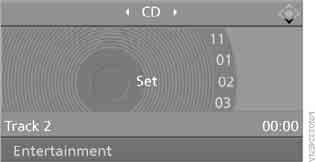
 4. {CD} The system confirms:
{{CD drive switched on}}

5. Press the button on the steering wheel
 6. Select a track, for example:
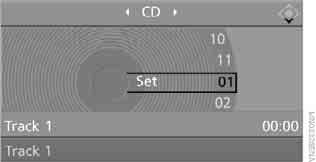
{Track 1}.
The system confirms:
{{Track 1}}.
Test yourself
A quick BMW X3 quiz: every answer comes with an explanation and a link to the manual page.