Navigation system
Editing entries in the address book
In this manual: Navigation system
~1min read
"Business" navigation system
Destination names can be changed.
1. Select "Address book" and press the controller.
2. Select an entry and press the controller.
3. Select "Edit" and press the controller.
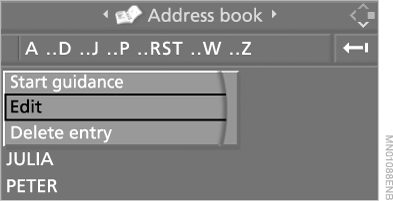
4. Change the name.
For editing, refer to "Entering a destination manually".
"Professional" Navigation System
1. Select "Address book" and press the controller.
2. Select an entry and press the controller.
3. Select "Edit" and press the controller.
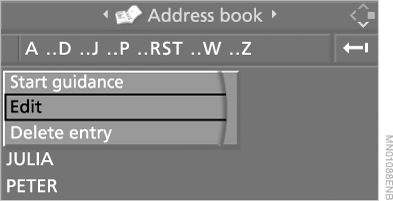
4. Edit the entry.
For editing, refer to "Entering a destination manually".
Test yourself
A quick BMW X5 quiz: every answer comes with an explanation and a link to the manual page.
Was this page helpful?