Navigation system
Deleting all destinations from the address book
In this manual: Navigation system
~1min read
1. Open the home screen.
2. Press the controller to go to the menu .
3. Select "Vehicle settings" and press the controller.
4. Select "Delete data" and press the controller.
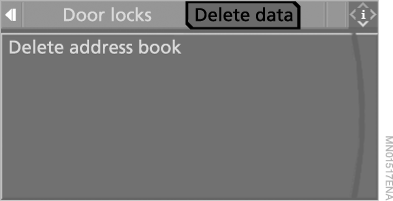
5. Select "Delete address book" and press the controller.
6. Select "Yes" and press the controller.
Test yourself
A quick BMW X5 quiz: every answer comes with an explanation and a link to the manual page.
Was this page helpful?