Trip computer
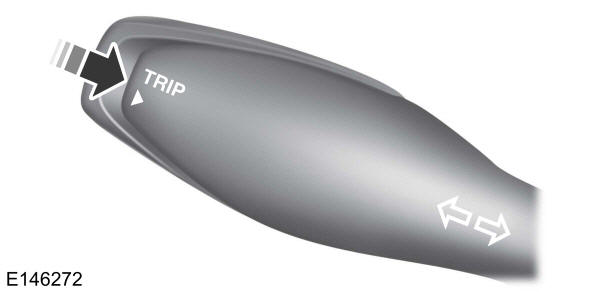
- Odometer.
- Trip odometer.
- Range.
- Average fuel consumption.
- Instant fuel consumption.
- Average speed.
The trip computer contains the following information screens:
OdometerShows the total distance travelled by the vehicle, in km.
Trip odometerShows the distance travelled since the function was last reset.
RangeShows the approximate distance the vehicle can travel with the fuel remaining in the tank. The value may vary depending on driving style.
Average fuel consumptionShows the average fuel consumption calculated since the function was last reset.
Instant fuel consumptionShows the instant fuel consumption.
Average speedShows the average speed calculated since the function was last reset.
Outside air temperature indicatorDisplays the outside air temperature in degrees Celsius.
Gear IndicatorIndicates when to shift up to a higher gear for better fuel economy.
Personalised settings
Units of measureTo switch between imperial and metric units, scroll to this display and press the OK button.
When switching between imperial and metric units, the display will change as follows:- Range.
- Average fuel consumption.
- Instant fuel consumption.
- Average speed.
- Odometer.
- Trip odometer.
Test yourself
A quick Ford Ka quiz: every answer comes with an explanation and a link to the manual page.