Note: Depending on the options fitted to the vehicle, not all messages will be displayed or available.
Some messages may be abbreviated depending on the type of multifunction display fitted to the vehicle.
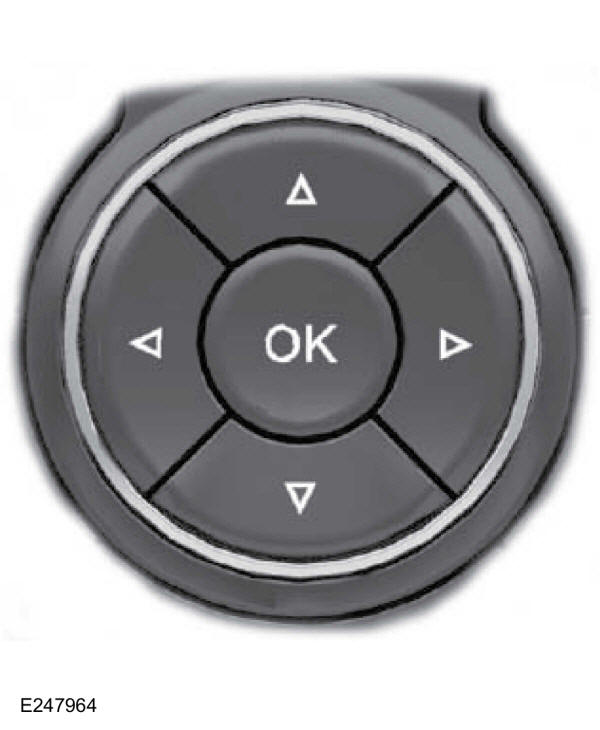
Press the OK button to confirm and clear certain messages from the information display. Other messages will be cleared automatically after a short period of time.
Some messages require confirmation before you can access the menus.
The message indicator lights up at the same time as some messages appear. The indicator may be red or amber, depending on the severity of the message, and remains lit until the cause of the message is corrected.
Some messages will be accompanied by a system-specific symbol with a message indicator.
Airbag
Message
Message indicator
Action
Airbag fault Repair immediately
amber
Have the system checked by an authorised dealer as soon as possible.
Doors open
Message
Message indicator
Action
Driver door open
red
The vehicle is moving. Stop the vehicle in a safe place as soon as possible and close.
Rear driver side door open
red
The vehicle is moving. Stop the vehicle in a safe place as soon as possible and close.
Passenger door open
red
The vehicle is moving. Stop the vehicle in a safe place as soon as possible and close.
Rear passenger side door open
red
The vehicle is moving. Stop the vehicle in a safe place as soon as possible and close.
Tailgate open
red
The vehicle is moving. Stop the vehicle in a safe place as soon as possible and close.
Bonnet open
red
The vehicle is moving. Stop the vehicle in a safe place as soon as possible and close.
Bonnet open
amber
The vehicle is not moving. Close.
Driver door open
amber
The vehicle is not moving. Close.
Rear driver side door open
amber
The vehicle is not moving. Close.
Passenger door open
amber
The vehicle is not moving. Close.
Rear passenger side door open
amber
The vehicle is not moving. Close.
Tailgate open
amber
The vehicle is not moving. Close.
MyKey
Message
Message indicator
Action
MyKey active Drive with care
-
Displayed when MyKey is active.
MyKey speed limited to <XX> mph
-
When switching on the ignition with a MyKey in use, the system shows that the MyKey speed limit is active.
MyKey Reduce speed for safe driving
amber
Displayed when MyKey is active.
MyKey Maximum speed almost reached
amber
A MyKey is in use; the MyKey speed limit is active and the vehicle speed is approaching the limit set for the MyKey.
MyKey Maximum speed reached
amber
The speed limit set for the MyKey has been reached.
MyKey Fasten seatbelt to activate audio
amber
The seatbelt must be fastened to activate the audio.
Maintenance
Message
Message indicator
Action
Brake fluid low Repair immediately
red
See Checking the Brake Fluid.
Steering
Message
Message indicator
Action
Steering lock fault Stop vehicle
red
Have the system checked by an authorised dealer immediately.
Power steering fault Repair immediately
amber
Steering will still be possible, but more effort will be required on the steering wheel. Have the system checked by an authorised dealer as soon as possible.
Transmission.
Message
Message indicator
Action
Transmission fault Repair immediately
red
Have the system checked by an authorised dealer immediately.
Stability control
Message
Message indicator
Action
ABS fault Repair immediately
amber
Have the system checked by an authorised dealer as soon as possible.
HLA
Message
Message indicator
Action
Hill start assist not available
amber
See Hill Start Assist.
OTIS
Message
Message indicator
Action
Press clutch
amber
See Starting a Petrol Engine.
Press brake
amber
See Starting a Petrol Engine.
Press brake and clutch
amber
See Starting a Petrol Engine.
Cranking time exceeded
amber
See Starting a Petrol Engine.
Battery saver
Message
Message indicator
Action
System deactivated to save battery
amber
Switch off the ignition to preserve battery charge.
System deactivated to save battery Switch off ignition
amber
Switch off the ignition to preserve battery charge.
TPMS
Message
Message indicator
Action
TPMS fault
amber
Have the system checked by an authorised dealer as soon as possible.
Tyre pressure sensor faulty
amber
Have the system checked by an authorised dealer as soon as possible.
Low tyre pressure
amber
Adjust the tyres. See Tyre Pressures.
Program front left tyre
amber
See Tyre Pressure Monitoring System.
Program front right tyre
amber
See Tyre Pressure Monitoring System.
Program rear right tyre
amber
See Tyre Pressure Monitoring System.
Program rear left tyre
amber
See Tyre Pressure Monitoring System.
Programming complete
amber
See Tyre Pressure Monitoring System.
Tyre not programmed. Please repeat
amber
Try again.
?
Test yourself
A quick Ford Ka quiz: every answer comes with an explanation and a link to the manual page.
 The message indicator lights up at the same time as some messages appear. The indicator may be red or amber, depending on the severity of the message, and remains lit until the cause of the message is corrected.