Audio system
USB port
In this manual: Audio system
~1min read
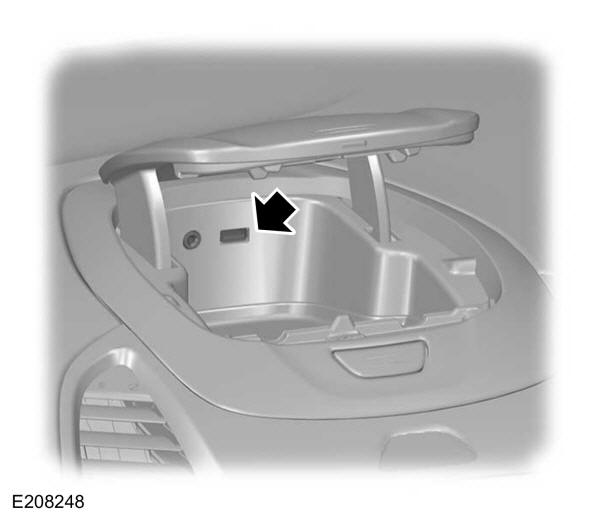
Media hub
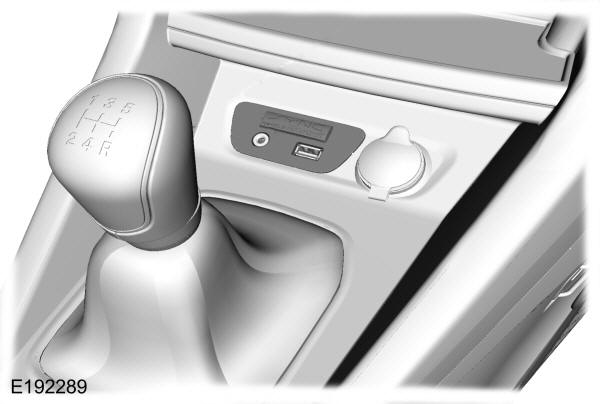
Audio unit troubleshooting
| Audio unit display | Remedy |
|---|---|
| Check CD | General error message relating to CD fault conditions, for example the CD cannot be read, a data CD has been inserted, etc. Make sure the disc is loaded correctly. Clean it and try again, or replace it with a working audio disc. If the error persists, contact an authorized dealer. |
| Player fault | General error message relating to CD conditions, for example a mechanism fault. |
| CD player overheated | Ambient temperature is too high. The unit will not operate until it has cooled down. |
Test yourself
A quick Ford Ka quiz: every answer comes with an explanation and a link to the manual page.
Was this page helpful?