Convenient Features of Your Vehicle
LCD Modes
In this manual: Convenient Features of Your Vehicle
~1min read

Settings Cannot Be Changed While Driving
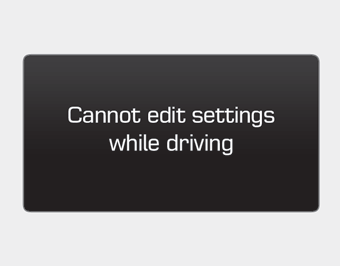
This warning message appears if you try to select a user setting item other than the head-up display item while driving.
For safety, change user settings after parking the vehicle and moving the shift lever to the P (Park) position.
Quick Guide (Help)

If you press and hold the OK button in the user settings mode, an explanation of the selected item is displayed on the cluster.
Test yourself
A quick Hyundai Genesis DH quiz: every answer comes with an explanation and a link to the manual page.
Was this page helpful?