Body Electrical System
Repair Procedures
In this manual: Body Electrical System
19steps
~114min
4/5difficulty
Done 0 of 19
Removal
- Disconnect the negative (-) battery terminal.
- Remove the instrument cluster fascia panel (A). (Refer to Body - "Instrument Panel")
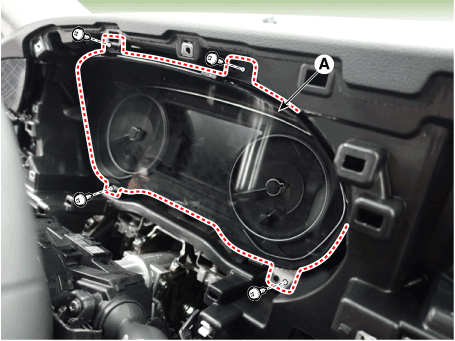
- Remove the cluster (A) from the housing after removing the screws.
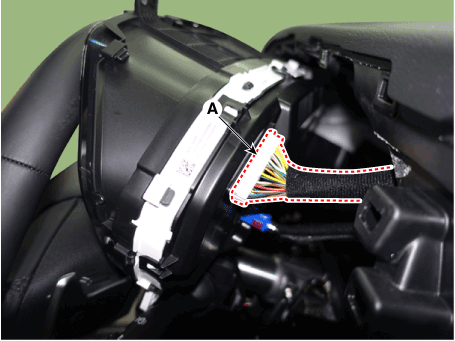
- Disconnect the cluster connector (A), then remove the cluster.
Installation
- Connect the cluster connector.
- Install the cluster assembly.
- Install the cluster fascia panel.
- Connect the negative (-) battery terminal.
Inspection
- Checkpoint (Warning Lamp)
No Reference Symbol Color Name Input Signal Signal Control
(Unit/Sensor)Checkpoint 1 
Green Turn Left C-CAN BCM - CAN Line Malfunction
2 
Green Turn Right C-CAN 3 
Green Front Fog C-CAN BCM - CAN Line Malfunction
4 
Blue High Beam C-CAN BCM - CAN Line Malfunction
5 
Green Low Beam C-CAN BCM - CAN Line Fault
6 
Green Rear Lamp C-CAN BCM - CAN Line Fault
7 
Green Cruise C-CAN Emergency Call - CAN Line Malfunction
8 
Green SET C-CAN Emergency Call - CAN Line Malfunction
9 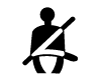
Red Seat belt C-CAN BCM - CAN Line Malfunction
10 
Red Air Bag C-CAN ACU - CAN Line Malfunction
11 
Yellow Liftgate open C-CAN BCM - CAN Line Malfunction
12 
Red Door Open C-CAN BCM - CAN Line Malfunction
13 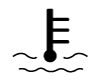
Red High Temperature C-CAN Emergency Call - CAN Line Malfunction
14 
Yellow Immobilizer C-CAN SMK - CAN Line Malfunction
15 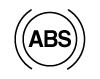
Yellow ABS C-CAN ESC - CAN Line Malfunction
16 
Yellow EPB C-CAN EPB - CAN Line Malfunction
17 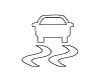
Yellow ESC C-CAN ESC - CAN Line Malfunction
18 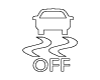
Yellow OFF C-CAN ESC - CAN Line Malfunction
19 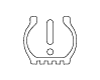
Yellow SDM
(Pass and Fail)C-CAN SCP - CAN Line Malfunction
20 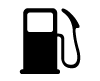
Yellow Low Fuel Hard Wire Fuel Sender - Fuel Sender Malfunction
- Wiring Fault
21 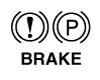
Red Parking Brake C-CAN BCM
TCU
EPB- CAN Line Malfunction
22 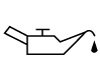
Yellow Oil Pressure Hard Wire Oil pressure sensor - Wiring Fault
23 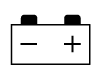
Red Battery Charge Hard Wire Battery Sensor - Wiring Fault
24 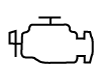
Yellow Check Engine C-CAN Emergency Call - CAN Line Malfunction
25 
Yellow Low Washer Hard Wire Water Level Sensor - Wiring Fault
26 
Green AUTO HOLD
(Green)C-CAN ESC - CAN Line Malfunction

Yellow AUTO HOLD
(Yellow)C-CAN ESC - CAN Line Malfunction

White AUTO HOLD
(White)C-CAN ESC - CAN Line Malfunction
27 
Green
White
YellowLDWS C-CAN LDWS - CAN Line Malfunction
28 
Green Active ECO Hard Wire ECO ON/OFF Switch - Switch Malfunction
- Wiring Fault
29 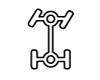
Yellow Four-Wheel Drive Diagnosis C-CAN All-Wheel Drive - 4WD Unit Malfunction
- CAN Line Malfunction
30 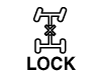
Yellow 4WD LOCK C-CAN AWD ECU - 4WD ECU Malfunction
- CAN Line Malfunction
31 
Yellow Illuminate C-CAN Glow Plug - Glow Plug Malfunction
- CAN Line Malfunction
32 
Red EPS C-CAN EPS Unit - EPS Unit Malfunction
- CAN Line Malfunction
33 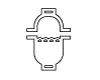
Red Water Separator C-CAN Fuel Filter Water Separator Sensor - Water Separator Sensor Malfunction
- CAN Line Malfunction
34 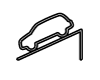
Green
YellowDBC C-CAN TCU - TCU Malfunction
- CAN Line Malfunction
- TR Switch (Sensor)
No Name Input Signal Signal Control
(Unit/Sensor)Checkpoint 1 Speedometer C-CAN TCU, ABS - CAN Line Fault
2 Tachometer C-CAN Emergency Call - CAN Line Fault
3 Engine Coolant Temperature C-CAN Emergency Call - CAN Line Fault
4 Fuel Hard Wire Fuel Sender - Fuel Sender Malfunction
- Wiring Fault
- Communication Information
Transmitter Unit Receiver Unit CAN Communication Reference Cluster BCM C-CAN Refuel Status Instant Fuel Economy Low Fuel Level Information Vehicle Installation Conditions Lighting Setting Cluster Emergency Call C-CAN
MM-CANSPORT/ECO Mode TCU ECS ESP AVN Cluster CCS C-CAN Vehicle Speed Cluster ACU C-CAN Airbag Status ACU Cluster CAN Airbag Warning Lamp BCM Cluster CAN Hood Indicator DATC Cluster CAN Outside Temperature Display ECS Cluster CAN Warning Control Emergency Call Cluster CAN Tachometer Control Temperature Gauge Check Engine Symbol, CRUISE and SET Indicators EPB Cluster CAN EPB Indicator, Parking Brake Indicator Control Audio Controls ESC Cluster CAN - BCM Cluster CAN Vehicle Settings Control Warning Lamp and Warning Buzzer, PAS Control LDWS Cluster CAN LDWS Warning Lamp, Massage Display and Steering Wheel Angle Display CAC Cluster CAN SMK Cluster CAN Smart Key Indicator Display TCS Cluster CAN ESC OFF Switch Status Display SCC Brake Light ON/OFF Warning Lamp Display TCU Cluster CAN Engaged Gear Indication Display Speed Input SBW indicator SCP Cluster CAN TPMS Indicator - Other Cluster Checklist
- UMS setting mode. Some items (for example, two-stage unlock, automatic door lock/unlock, In/Out seat synchronization, door lock sound, Escort headlamp, One Touch Triple Turn, welcome light and content setting) can be set and configured.
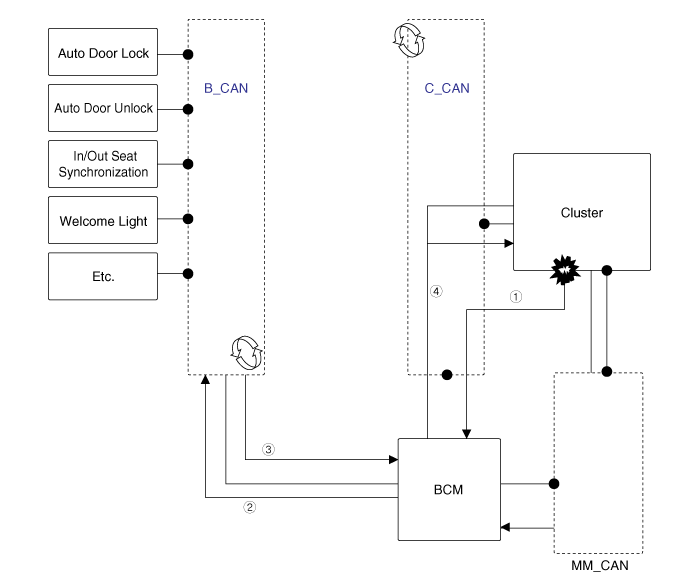
- UMS setting procedure
- Module setting: ① UMS settings are sent to the BCM. → ② The settings are sent through the BCM B-CAN to the corresponding module. → ③ When the module setting is complete, the current settings are sent to the BCM. → ④ The final settings are transmitted through the BCM C-CAN to the instrument cluster.
- UMS setting mode. Some items (for example, two-stage unlock, automatic door lock/unlock, In/Out seat synchronization, door lock sound, Escort headlamp, One Touch Triple Turn, welcome light and content setting) can be set and configured.
- The electrical system malfunctions can be quickly diagnosed using the vehicle diagnostic system (Diagnostic tool). The diagnostic system (diagnostic tool) provides the following information.
- DTC Search: Check malfunction and diagnostic trouble code (DTC)
- Data Analysis: Check the input/output data status of the system
- Actuation Test: Check the system operating status
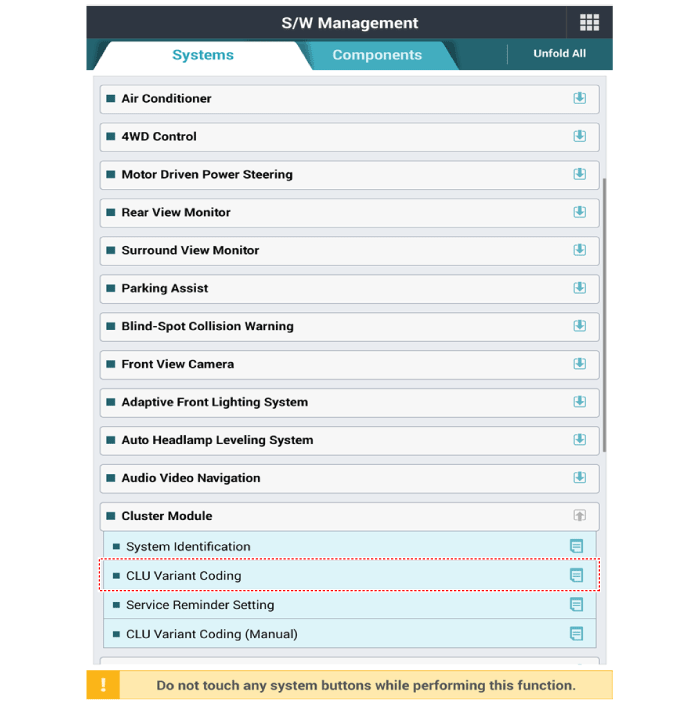
- S/W Management: Control other functions, including system parameter setting and zero point adjustment
- To diagnose the vehicle using the diagnostic tool, select "DTC Analysis" and "Vehicle".
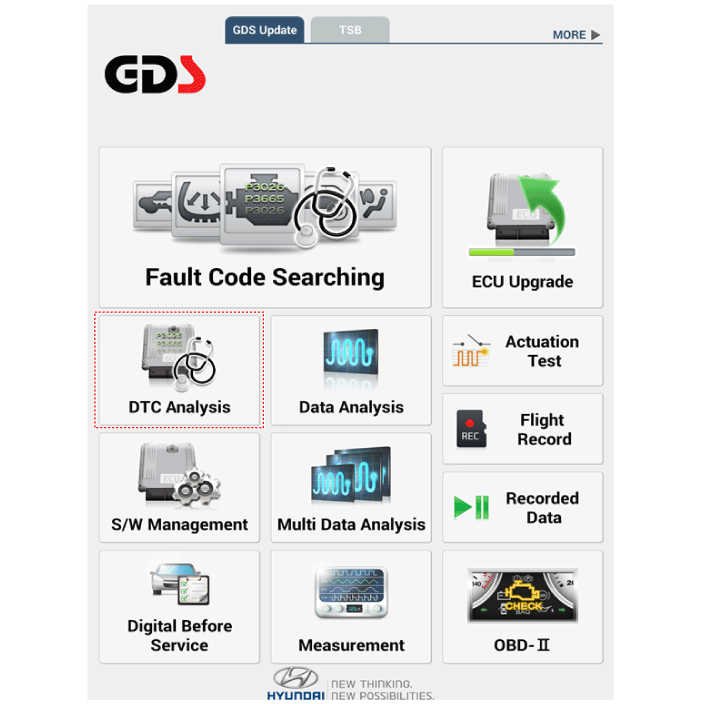
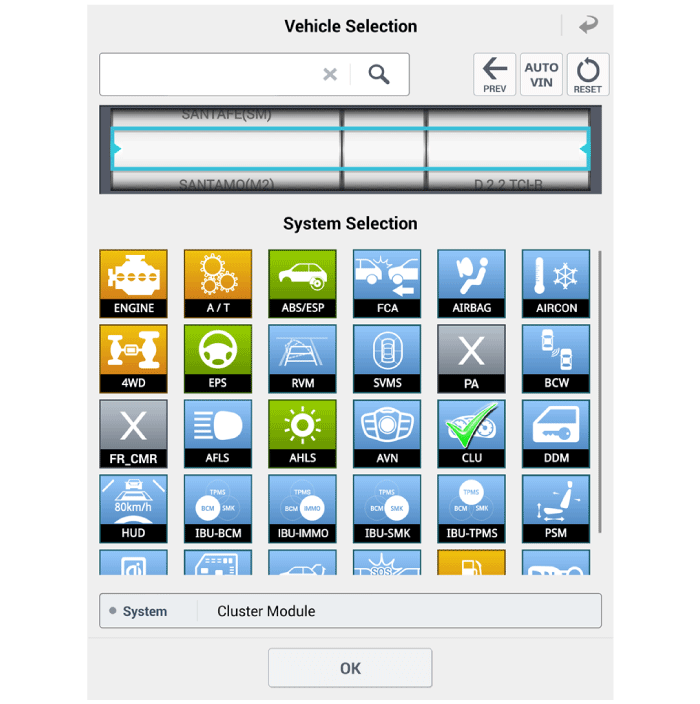
- To check the current status, select "Data Analysis" and "Vehicle Model".
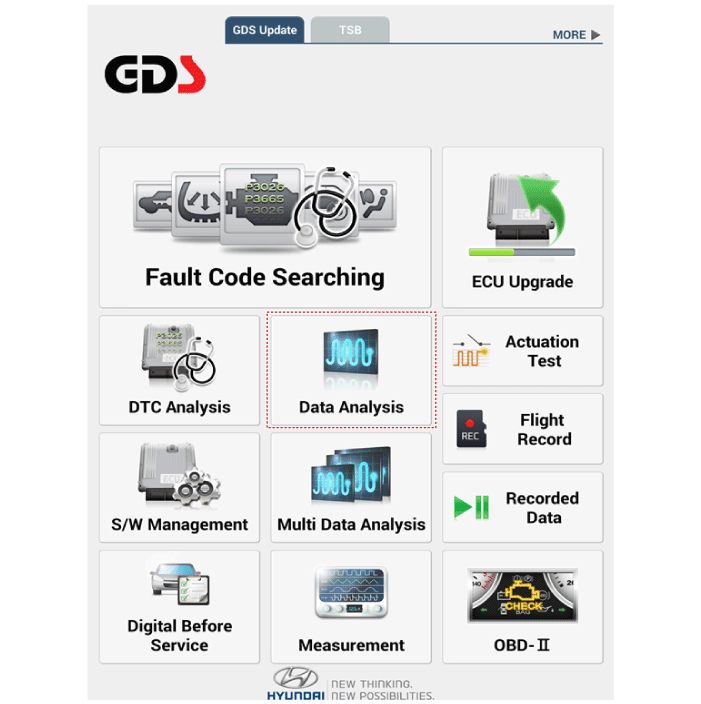
- Select "CLU" to check the current input/output status.
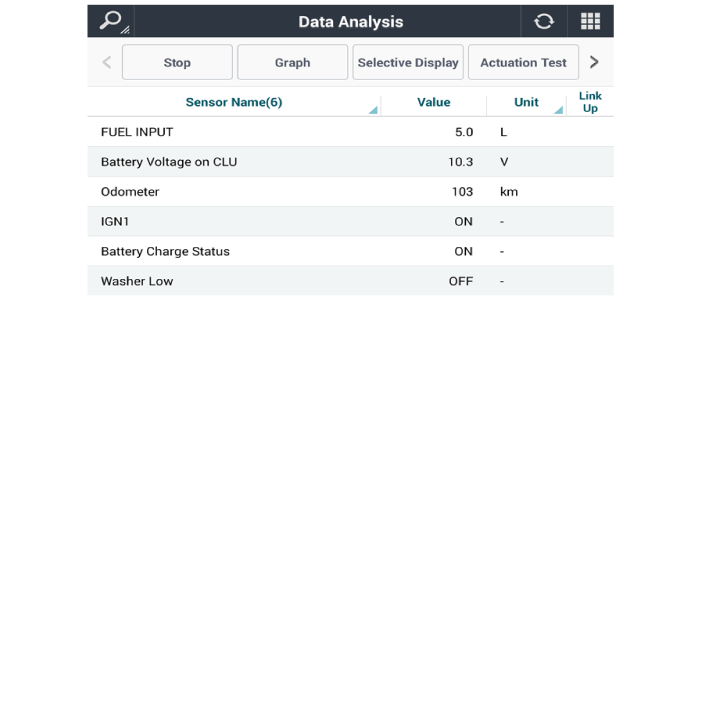
- Connect the diagnostic tool cable to the data link connector (DLC) located under the driver's side instrument panel lower cover.
- Select "Software Management" and "Vehicle Model".
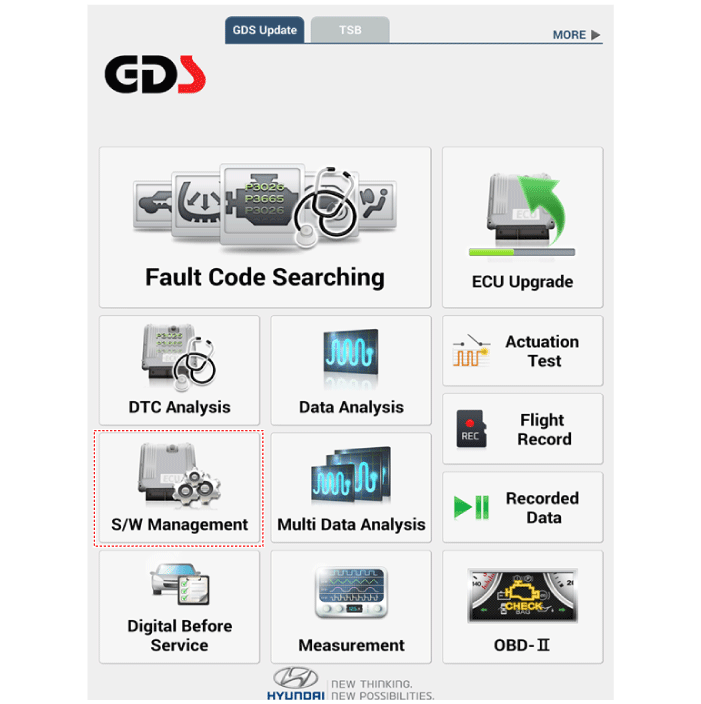
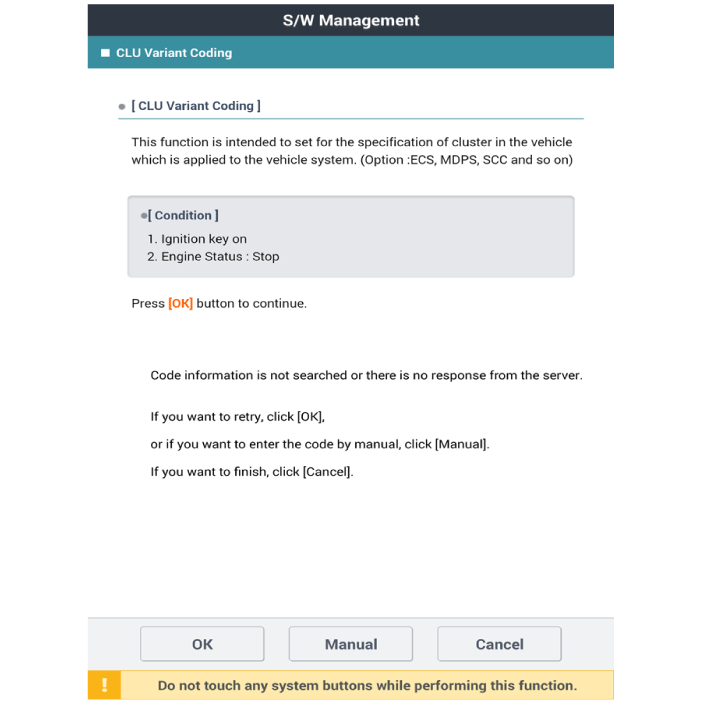
- Select "Cluster Module" and "CLU Variant Coding".
Test yourself
A quick Hyundai Palisade quiz: every answer comes with an explanation and a link to the manual page.
Was this page helpful?