Multimedia System
Connecting a Device
In this manual: Multimedia System
~1min read
press key
 Select [Phone]
 Select [Paired Phone List]
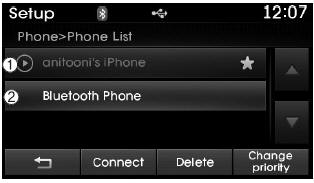
1) Connected phone: The device that is currently connected
2) Paired phone: A paired but not connected device.
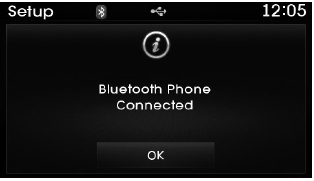
In the paired phone list, select the device you want to connect and press the button.
Test yourself
A quick Hyundai Tucson LM quiz: every answer comes with an explanation and a link to the manual page.
Was this page helpful?