Sound Settings
Sound Settings
press key
 Select [Sound]
 Select [Sound Settings]
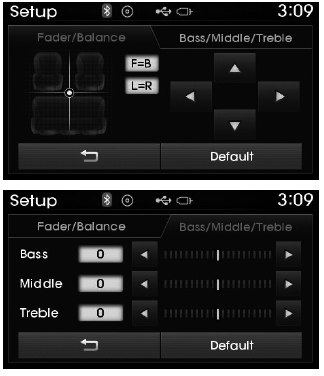
Use ,
 ,
 ,
 buttons to adjust the fader/balance settings.
Use ,
 buttons to adjust the bass/middle/treble settings.
press button to reset.
SDVC (Speed Dependent Volume Control)
press key
 Select [Sound]
 Select [Speed Dependent Volume]
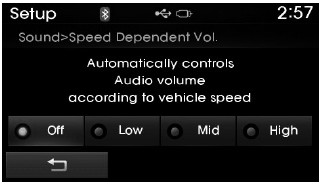
The volume level is adjusted automatically depending on the vehicle speed. SDVC can be set by selecting Off/Low/Mid/High.
Voice Recognition Volume
press key
 Select [Sound]
 Select [Voice Recognition Volume].
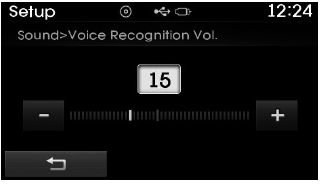
Turn Turn the TUNE knob to adjust the Voice Recognition Volume.
Touch Screen Beep
press key
 Select [Sound]
 Select [Touch Screen Beep].
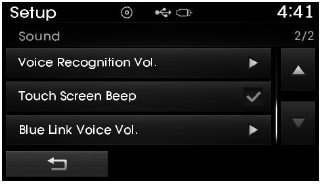
This function is used to turn the touch screen beep on/off.
Blue Link Voice Volume
press key
 Select [Sound]
 Select [Blue Link Voice Volume].
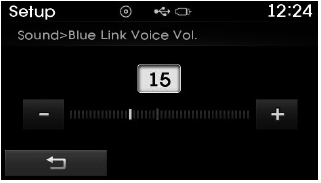
Turn Turn the TUNE knob to adjust the Blue Link Voice Volume.
❈ Blue Link® may differ depending on the selected audio.
Test yourself
A quick Hyundai Tucson LM quiz: every answer comes with an explanation and a link to the manual page.