Operating Conditions
To operate:
Press the BSD switch with the ignition switch in the ON position.
The BSD switch indicator will illuminate. When the vehicle speed exceeds 30 km/h, the system is activated.
To cancel:
Press the BSD switch again. The indicator on the switch will turn off.
When the system is not in use, turn it off by pressing the switch.
✽ NOTICE
- If the vehicle is turned off, the BSD system returns to its previous state when the vehicle is started again.
- When the system is on, the warning indicator will illuminate for 3 seconds on the outside rearview mirror.
The system is activated when:
1. The system is on.
2. The vehicle speed is above 30 km/h.
3. A vehicle is detected in the blind spot zone.
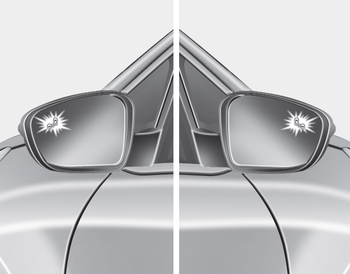
Stage 1
If a vehicle is detected within the system boundary, the yellow warning indicator will illuminate on the outside rearview mirror.
As soon as the detected vehicle is no longer in the blind spot, the warning turns off depending on vehicle driving conditions.
Second-Stage Warning
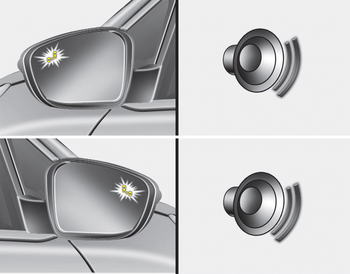
Stage 2
The warning chime, which alerts the driver, activates when:
1. A vehicle has been detected in the blind spot by the radar system (the warning indicator on the outside rearview mirror illuminates) AND
2. The turn signal is activated (on the same side as the vehicle detection location).
When this alert is activated, the warning indicator on the outside rearview mirror will also flash.
If you turn off the turn signal, the warning chime will be turned off.
- The Stage 2 alarm can be turned off.
- To activate the chime:
Go to User Settings mode → Sound and select "BSD" on the LCD display. - To deactivate the chime:
Go to User Settings mode → Sound and deselect "BSD" on the LCD display.
CAUTION
The chime function helps alert the driver. Deactivate this function only when necessary.
Test yourself
A quick Kia Cee'd quiz: every answer comes with an explanation and a link to the manual page.