LCD Modes
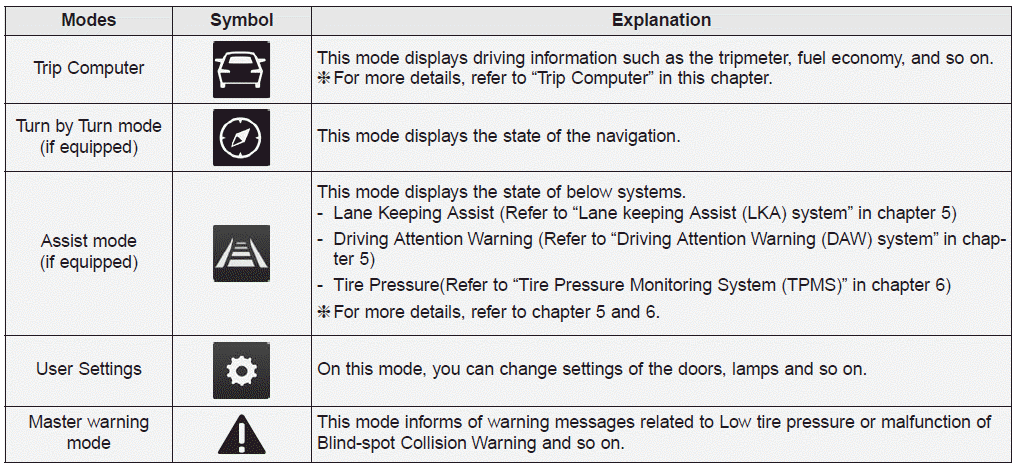
Trip Computer Mode
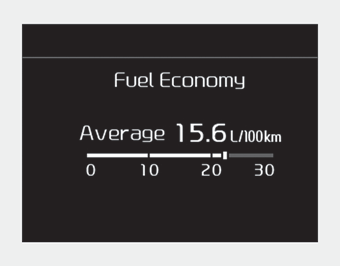
This mode displays driving information, such as the trip odometer, fuel consumption, and so on.
❈ For details, refer to "Trip Computer" in this chapter.
Cycle Mode
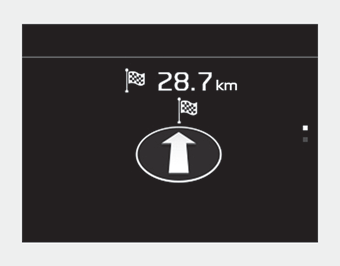
This mode displays the navigation status.
Assist Mode
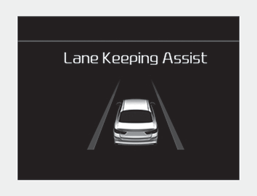
■ LKA
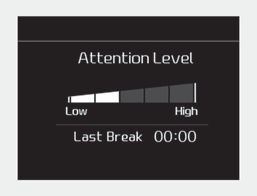
■ DAW
■ SPAS
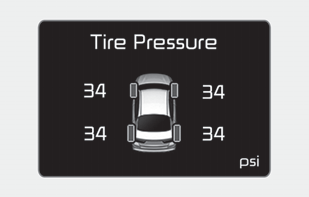
The Supervisory Mode displays the status of the systems listed below.
- Lane Keeping Assist System
- Driver Attention Warning
- Tire Pressure
Service Mode
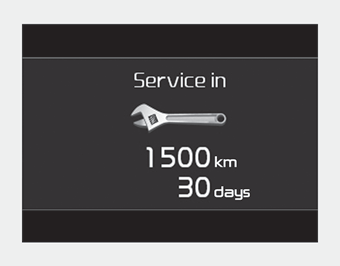
When Service Required is set, the remaining distance/time until service is required is displayed on the LCD screen.
The message "Service Required" will automatically appear 1500 km (900 miles) or 30 days before the service due point. It will be displayed on the LCD for several seconds each time the ignition switch or Engine Start/Stop button is turned on.
When Service Required is set, the Service Required Alarm pop-up message appears when the total accumulated miles/driving time reaches the specified point.
In Service Required mode, press and hold the OK button for more than 5 seconds. The values will return to the original default settings.
❈For more details on setting Service Required, refer to User Settings Mode in this chapter.
❈ Service Required Setting
If the battery cable is disconnected or a fuse is removed, the Service Required setting values (miles/driving time) may change. In such cases, re-enter the required service setting values.
Main Warning Mode

• This warning light informs the driver of the following situations.
- Forward Collision Assist System malfunction
- Blind-Spot Collision Warning Radar Blocked
- Lamp malfunction
- High Beam Assist malfunction
- Tire Pressure Monitoring System (TPMS) malfunction
- Electronic Control Suspension (ECS) malfunction.
The main warning light illuminates if one or more of the above warning conditions occurs.
When the warning condition is cleared, the master warning indicator will turn off.
Test yourself
A quick Kia Optima DL3 quiz: every answer comes with an explanation and a link to the manual page.