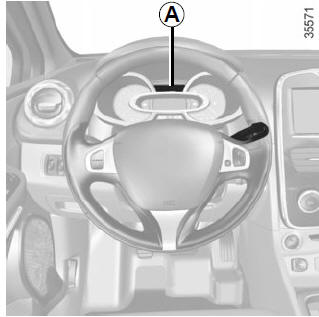
Display A
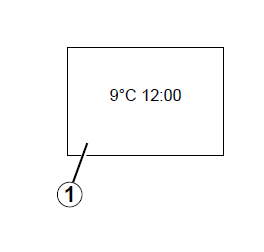
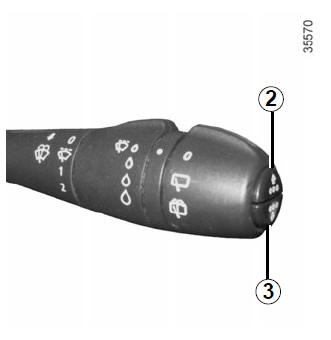
To activate display 1 for setting the time, press button 2 or 3. Wait a few seconds.
The hours and minutes flash, and you can start setting the time. Press and hold button 2 or 3 to set the hours.
As soon as the hours start flashing, press button 2 or 3 several times, or press and hold it, to set them.
Then press and hold button 2 or 3 to confirm the hour setting.
The minutes start flashing on the display: press button 2 or 3 several times briefly or long to set the minutes.
Setting complete: the hours and minutes stay lit continuously for 2 seconds, and the setting is saved.
You can then move on to the next display.
If the power supply is interrupted (disconnected battery, disconnected power cable, etc.), reset the clock.
We recommend not making adjustments while driving.
Test yourself
A quick Renault Clio quiz: every answer comes with an explanation and a link to the manual page.