Convenient Features of Your Vehicle
Clock
In this manual: Convenient Features of Your Vehicle
~1min read
With AVN System
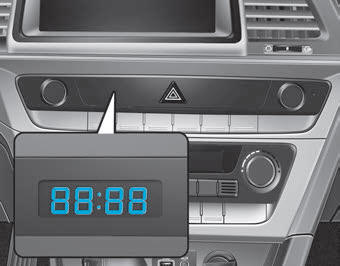
You can adjust the clock using the navigation system.
GPS Time Check
The clock is automatically updated through the navigation system.
GPS Time Without Check
The clock can be set manually.
1. Select "System Settings" on the "INFO/Setup" screen.
2. Select "Date/Time".
3. Select "Set Time" by turning the controller on the center console.
4. Select "Time Format" for the 12-hour or 24-hour format.
For more information, refer to the separate manual provided with your vehicle.
WARNING
Do not set the clock while driving. You may lose control of the steering wheel and cause an accident resulting in serious injury or death.
Test yourself
A quick Hyundai Sonata LF quiz: every answer comes with an explanation and a link to the manual page.
Was this page helpful?