Convenient Features of Your Vehicle
Automatic Heating and Air Conditioning
In this manual: Convenient Features of Your Vehicle
~1min read

1. Press the AUTO button.
Modes, fan speed, air intake, and air conditioner operation will be controlled automatically based on the temperature setting.
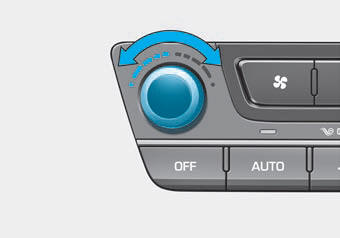
■ Front
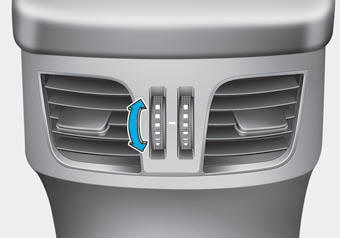
■ Rear
2. Turn the temperature control knob to set the desired temperature.
✽ NOTICE
- To turn on automatic operation, select any of the following buttons:
- Mode selection button
- Windshield defroster button (Press the button again to cancel the windshield defroster function. The "AUTO" indicator will light on the information display again.)
- Fan speed control button The selected function will be controlled manually, while the other functions operate automatically. - For your convenience, use the AUTO button and set the temperature to 73°F (23°C).
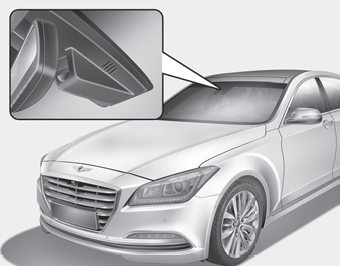
✽ NOTICE
Never place anything near the sensor to ensure proper control of the heating and cooling system.
Test yourself
A quick Hyundai Genesis DH quiz: every answer comes with an explanation and a link to the manual page.
Was this page helpful?