LCD Display Messages
Check Hybrid System
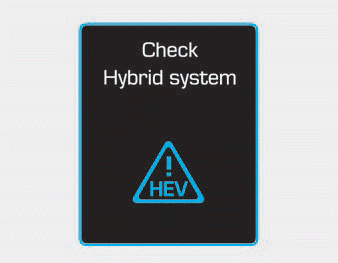
This message is displayed when a problem occurs in the hybrid control system.
Refrain from driving when the warning message is displayed.
In this case, contact an authorized HYUNDAI dealer to have your vehicle inspected.
Check Hybrid System. Turn Off Engine
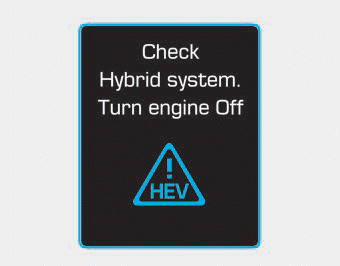
This message is displayed when a problem occurs in the hybrid system. " The indicator will flash, and a warning chime will sound until the problem is resolved.
In this case, contact an authorized HYUNDAI dealer to have your vehicle inspected.
Check Hybrid System. Do Not Start Engine
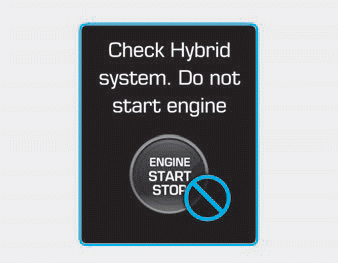
This message is displayed when the hybrid battery state of charge (SOC) is low. A warning chime will sound until the problem is resolved.
In this case, contact an authorized HYUNDAI dealer to have your vehicle inspected.
Stop Vehicle and Check Power Supply
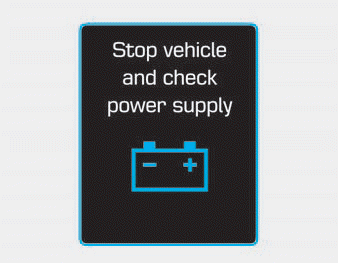
This message is displayed when a malfunction occurs in the power supply system.
In this case, park the vehicle in a safe place and tow it to the nearest authorized HYUNDAI dealer for inspection.
Stop Vehicle to Charge Battery / Park with Engine Running to Charge Battery
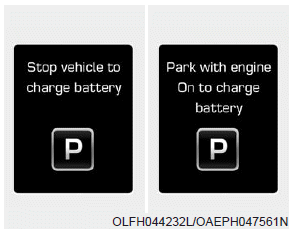
This message is displayed when the hybrid battery state of charge (SOC) is low.
In this case, park the vehicle in a safe place and wait until the hybrid battery is charged.
You can increase the hybrid battery charging speed by holding the accelerator pedal down fully with the shift lever in P. The engine will run at high speed, but it will be limited for charging purposes while the pedal is held fully down.
Refuel to Prevent Damage to Hybrid Battery
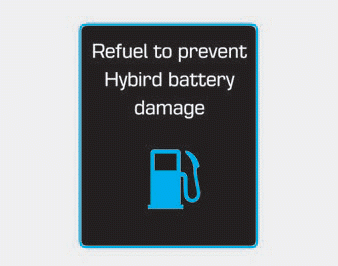
This message is displayed when the fuel tank is nearly empty.
You must refuel the fuel tank to prevent damage to the hybrid battery.
Refill Inverter Coolant
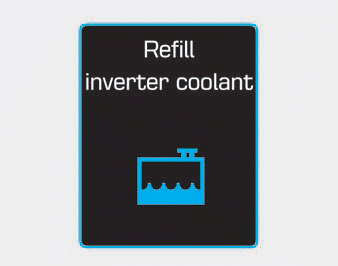
This message is displayed when the inverter coolant is nearly empty.
Inverter coolant must be refilled.
Stop Vehicle and Check Brakes / Stop Vehicle and Check Regenerative Brake
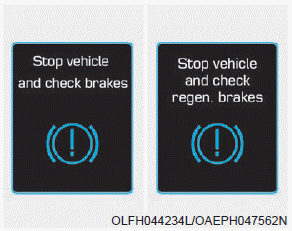
This message is displayed when a malfunction occurs in the brake system.
In this case, park the vehicle in a safe place and tow it to the nearest authorized HYUNDAI dealer for inspection. Check Brakes / Check Regenerative Brakes
Check Brakes / Check Regenerative Brakes
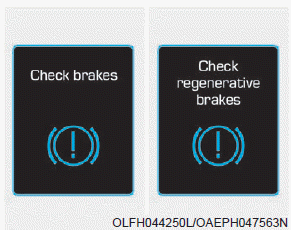
This message is displayed when braking efficiency is low or the regenerative brake does not operate properly due to a brake system malfunction.
In this case, more effort may be required to depress the brake pedal and braking distance may increase.
Check Virtual Engine Sound System
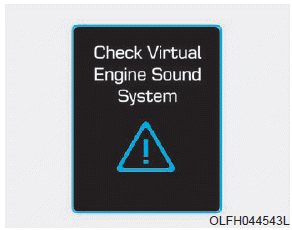
This message is displayed when a problem occurs in the Virtual Engine Sound System (VESS).
In this case, contact an authorized HYUNDAI dealer to have your vehicle inspected.
Disconnect the vehicle from the charger before starting (Plug-in Hybrid Vehicle)
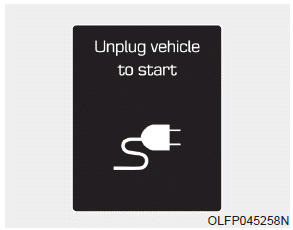
This message appears when you start the engine without disconnecting the charging cable. Disconnect the charging cable and start the vehicle.
Remaining Time (Plug-in Hybrid Vehicle)
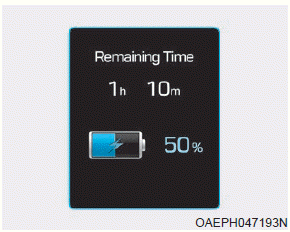
This message is displayed to indicate the remaining time until the battery is fully charged.
Wait for the fuel filler door to open (Plug-in Hybrid Vehicle).
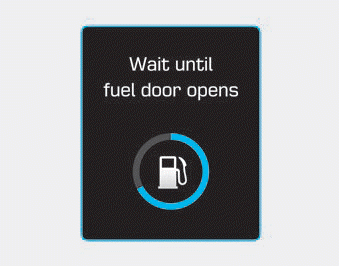
This message is displayed when you try to open the fuel filler door while the fuel tank is pressurized. Wait for the pressure in the fuel tank to be released.
Information
Opening the fuel filler door may take up to 20 seconds.
Check Fuel Filler Door (Plug-in Hybrid)
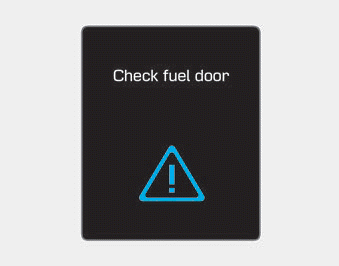
This message is displayed when there is a problem with the fuel filler door. For example, when the fuel filler door does not open within 20 seconds in freezing temperatures.
Information
If the fuel filler door is frozen and does not open within 20 seconds in freezing temperatures, lightly tap the fuel filler door, then try to open it again. In other cases, contact an authorized HYUNDAI dealer to have the vehicle inspected.
Fuel Filler Door Open (Plug-in Hybrid Vehicle)
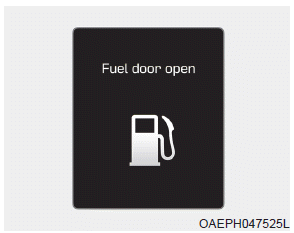
This message is displayed when the fuel filler door is opened after the fuel tank has been depressurized. When this message is displayed, you can refuel the fuel tank.
Check Fuel Filler Door (Plug-in Hybrid Vehicle)
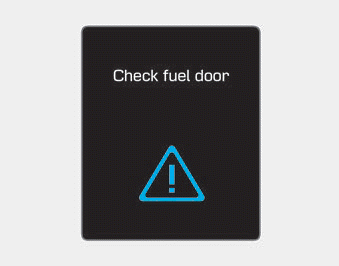
This message is displayed when the vehicle is driven with the fuel filler door open. Close the fuel filler door before driving.
Shift to P to Charge (Plug-in Hybrid Vehicle)
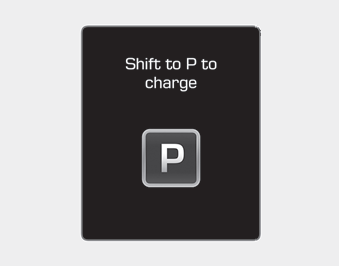
This message is displayed when the charging connector is connected with the shift lever in R (Reverse), N (Neutral) or D (Drive). Move the shift lever to P (Park) and restart the charging process.
AC Charger Error! (Plug-in Hybrid Vehicle)
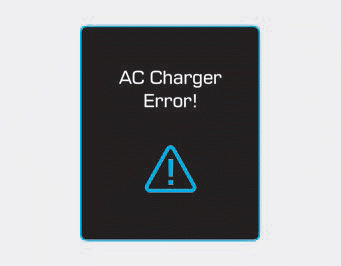
This message is displayed when there is a problem with the charger.
Switching to Hybrid Mode to Enable Heating or Air Conditioning (Plug-in Hybrid Vehicle)
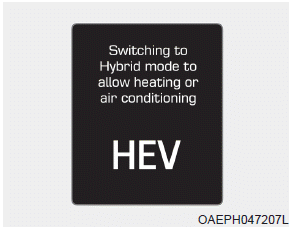
This message is displayed when the vehicle automatically switches to HEV mode to enable heating or air conditioning. This occurs when the coolant temperature is low (below 7 °F (-14 °C)) and the driver turns on the heating or cooling system.
If the coolant temperature rises above 7 °F (-14 °C) or the driver turns off the heating or cooling system, the vehicle returns to the default mode (EV).
Maintaining Hybrid Mode to Continue Heating or Air Conditioning (Plug-in Hybrid Vehicle)

This message is displayed when the vehicle maintains HEV mode to enable heating or air conditioning. The mode does not change when the driver presses the [EV/HEV] button to switch from HEV mode to EV mode while the heating and cooling system is on and the coolant temperature is below 7 °F (-14 °C).
Low/High System Temperature. Maintaining Hybrid Mode (Plug-in Hybrid Vehicle)

This message is displayed when the high-voltage (hybrid) battery temperature is too low or too high. This warning message is intended to protect the battery and the hybrid drive system.
Low/High System Temperature. Switching to Hybrid Mode (Plug-in Hybrid Vehicle)

This message is displayed when the high-voltage (hybrid) battery temperature is too low or too high. This warning message is intended to protect the battery and the hybrid drive system.
Switching to Hybrid Mode for Engine Lubrication (Plug-in Hybrid Vehicle)

This message is displayed when the vehicle automatically switches to HEV mode for engine lubrication when the engine Start/Stop button is in the ON position.
Maintaining Hybrid Mode for Engine Protection (Plug-in Hybrid Vehicle)
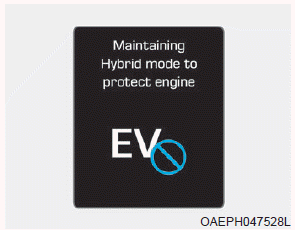
This message is displayed when the [EV/HEV] button is pressed but it is not possible to switch from HEV mode to EV mode due to engine lubrication.
Exit SPORT Mode to Switch to EV (Plug-in Hybrid Vehicle).

This message is displayed when the [EV/HEV] button is pressed but it is not possible to switch from HEV mode to EV mode because SPORT mode is on.
Test yourself
A quick Hyundai Ioniq quiz: every answer comes with an explanation and a link to the manual page.