Vehicle Specifications
Using Voice Recognition
In this manual: Vehicle Specifications
~1min read
Starting Voice Recognition
Briefly press the Press the key on the steering wheel and speak the command.
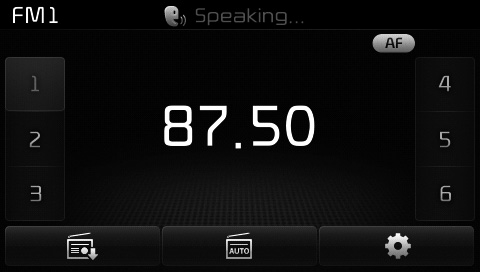
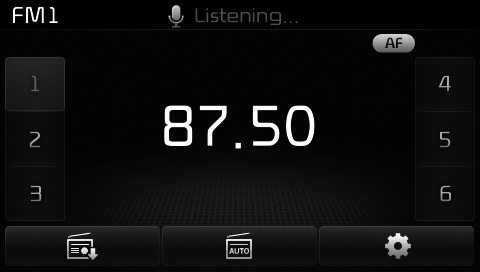
If voice recognition is in [Normal Mode], the system will say "Please say a command. Beep~"
- If voice recognition is in [Expert Mode], the system will only say "beep~"
- To change the Normal Mode / Expert Mode setting, go to
 [System] [Voice Recognition System].
✽ NOTICE
For correct recognition, speak the command after the voice instruction and the beep.
Test yourself
A quick Kia Cee'd quiz: every answer comes with an explanation and a link to the manual page.
Was this page helpful?