Vehicle Specifications
Voice Recognition and Phonebook Tips
In this manual: Vehicle Specifications
~1min read
The Kia voice recognition system may have difficulty understanding some accents or unusual names.
When using voice recognition to make a call, speak in a moderate tone with clear pronunciation.
To get the best use of Voice Recognition, consider these guidelines when storing contacts:
- Do not store entries with only one name (for example, "Bob", "Mom", etc.). Instead, always use full names (including first and last names) for these contacts.
- Do not use special characters (for example, '@', '-', '*', '&', etc.).
- Do not use abbreviations (for example, use "Lieutenant" instead of "Lt.") or acronyms (for example, use "County Finance Department" instead of "C.F.D."). Be sure to speak the name exactly as it is stored in the contact list.
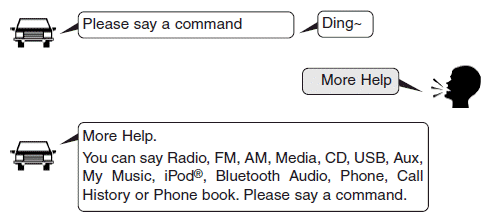
• Starting a voice command
Briefly press the key (less than 0.8 seconds):
• Skipping voice recognition
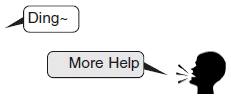
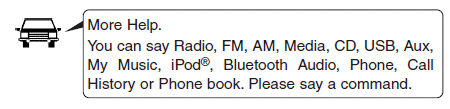
Briefly press thekey (less than 0.8 seconds):

Briefly press thekey (less than 0.8 seconds):
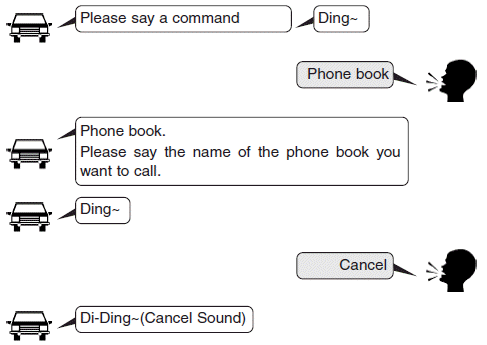
• Ending a voice command
Briefly press thekey (less than 0.8 seconds):
Test yourself
A quick Kia Cee'd quiz: every answer comes with an explanation and a link to the manual page.
Was this page helpful?