Cruise Control & Driver Assistance
Driver Monitor Camera
In this manual: Cruise Control & Driver Assistance
~1min read
Exploded View
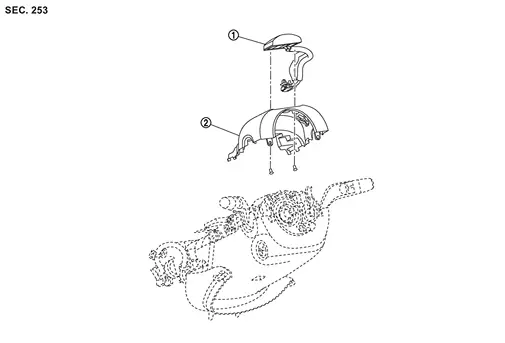
 |
Driver monitor camera |  |
Steering column cover upper |
Removal and Installation
REMOVAL
Remove the steering column cover upper. Refer to Removal and Installation.
Disconnect the driver monitor camera connector.
Remove the driver monitor camera mounting screws  , and remove the driver monitor camera from the steering column cover upper .
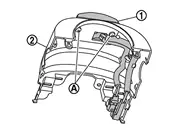
INSTALLATION
Installation is in the reverse order of removal.
Was this page helpful?