Powertrain
Removal and Installation - Transmission
In this manual: Powertrain
24steps
~149min
5/5difficulty
1special tools
Done 0 of 24
Special Service Tools / General Equipment
 |
307-805 Alignment Dowels (2) |
| Ford Diagnostic Equipment | |
Removal
- Download the module information to the diagnostic tool using the Programmable Module Installation procedure.
Use general equipment: Ford Diagnostic Equipment - Remove the transmission fluid drain plug and allow the transmission fluid to drain.
Torque: 106 lb-in (12 N·m)
- Remove the engine.
Refer to: Engine (Engine 303-01C, Removal).
Refer to: Engine (Engine 303-01C, Removal). - Remove the right-side bolts from the engine.
- Remove the left-side bolts and the transmission from the engine.
NOTICE: When removing the side cover, pull the cover straight out approximately 2 inches before moving it upward, or the high-voltage connector may be damaged.
NOTICE: Place the ISC side cover on a clean surface with the high-voltage connector facing up, or the connector may be damaged.
Remove and discard the bolts and remove the ISC side cover.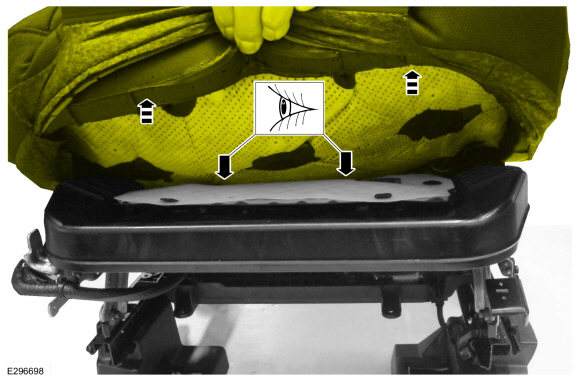
- Remove the high-voltage terminal bolts.
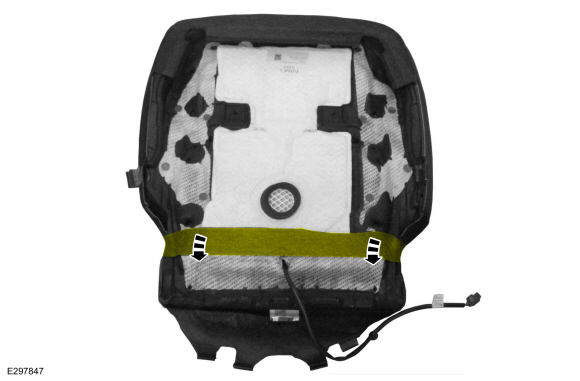
NOTICE: If the ISC is being reinstalled, place the ISC on a clean surface with the transmission side facing down. It is important to keep all debris and fluid away from the exposed ISC, or damage to the ISC may occur.
Remove the bolts, studs and ISC.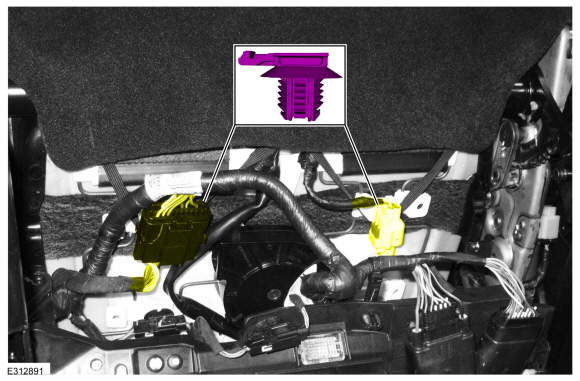
- Remove the ISC gasket.
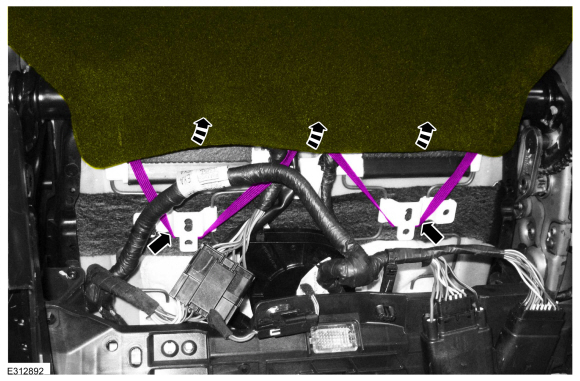
Installation
NOTICE: Use only lint-free cloth.
Clean and inspect the ISC gasket. Replace if necessary.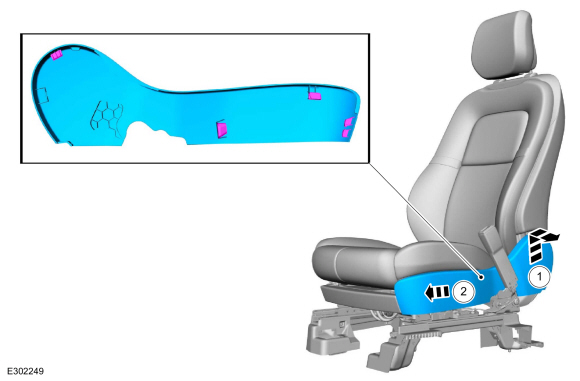
NOTICE: Use only lint-free cloth.
Inspect and clean the inside of the transmission cavity of any debris or fluid.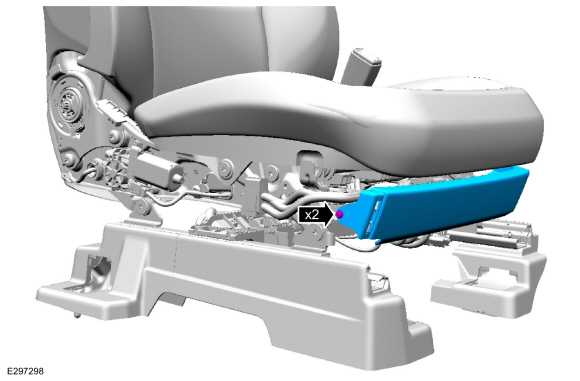
- Install the ISC gasket.
- Install the special tools.
Use special service tool: 307-805 Alignment Dowels (2).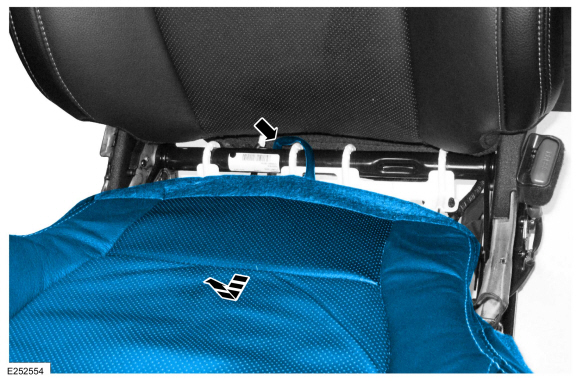
- Install the ISC and remove the special tools.
Use special service tool: 307-805 Alignment Dowels (2).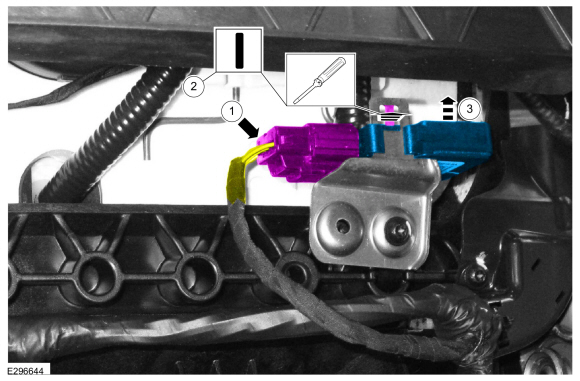
- Install the ISC bolts.
Torque: 89 lb-in (10 N·m)
- Install the ISC studs.
Torque: 89 lb-in (10 N·m)
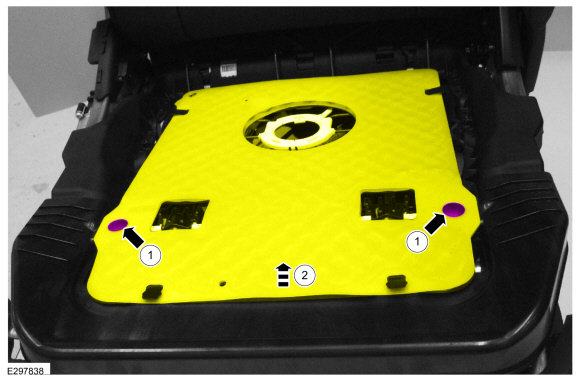
- Install the ISC bolts.
- Install the high-voltage terminal bolts.
Torque: 89 lb-in (10 N·m) NOTICE: Use lint-free cloth.
Clean and inspect the ISC side cover and gasket. Replace the ISC side cover if necessary.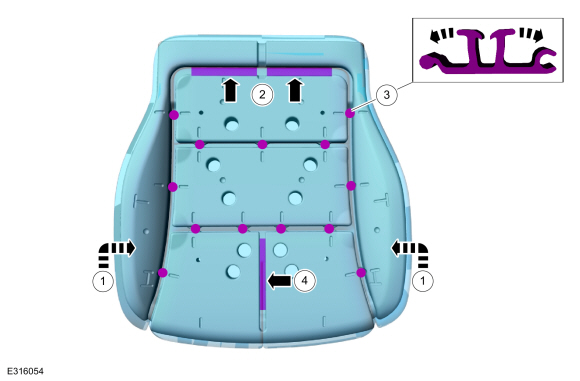
- Install the ISC side cover and new bolts.
Torque: 71 lb-in (8 N·m)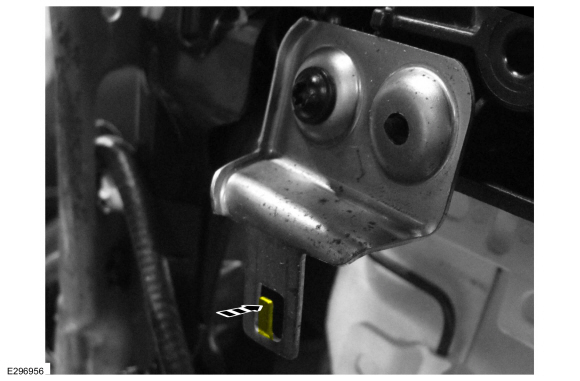
- Install the transmission and the left-side bolts.
Torque: 35 lb-ft (48 N·m) - Install the right-side bolts.
Torque: 35 lb-ft (48 N·m) - Install the engine.
Refer to: Engine (Engine 303-01C, Installation).
Refer to: Engine (Engine 303-01C, Installation). - Fill the transmission.
Refer to: Transmission Fluid Drain and Refill (307-01B Automatic Transmission - Automatic Transmission - HF45, General Procedures). - If a new transmission or ISC was installed, perform the transmission strategy download.
Refer to: Transmission Strategy Download (307-01B Automatic Transmission - Automatic Transmission - HF45, General Procedures). - Download the module information from the diagnostic tool to the module using the Programmable Module Installation procedure.
Use general equipment: Ford Diagnostic Equipment
Test yourself
A quick Ford Escape quiz: every answer comes with an explanation and a link to the manual page.
Was this page helpful?