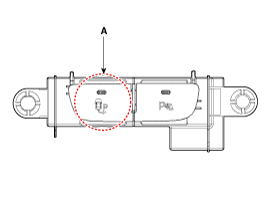
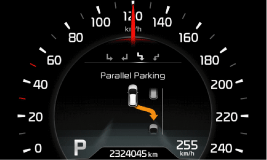
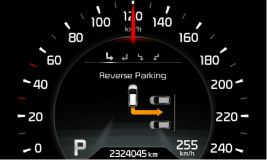
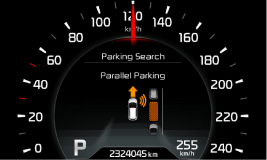
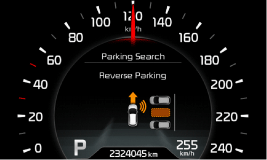
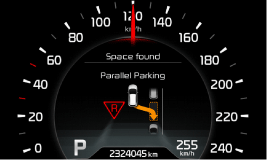
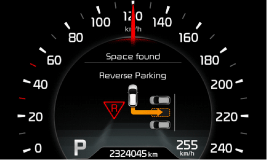
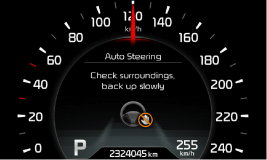
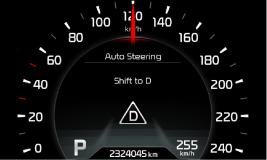
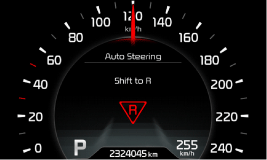
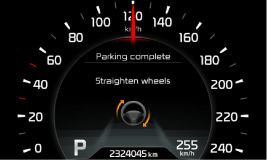
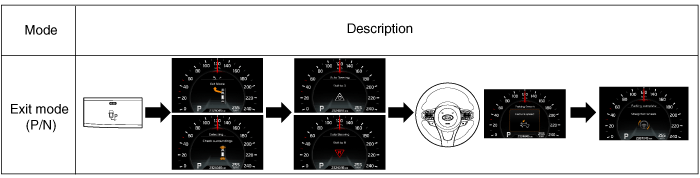
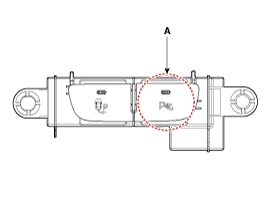
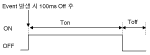
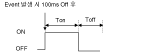
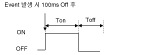
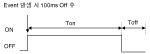
Select the parking mode during the message check on the instrument cluster using the parking direction subsystem switch (A). Voice information: Select parking mode. Pay attention to surrounding obstacles.
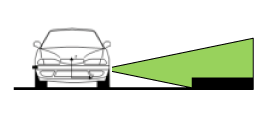
Parking space search while driving forward via the sensor on the front side of the vehicle (one sensor installed on each side).
Shift into reverse (R) when a parking space is found.
The steering wheel operates when shifted into reverse after stopping.
Shift the transmission according to the message on the instrument cluster and voice information when forward/reverse gear shifting is requested during steering. (Buzzer sound: 150 ms)
The system ends normally after the completion message is displayed and the buzzer sounds. The driver must finish parking by turning the steering wheel and moving the vehicle. (Buzzer sound: 600 ms)
Switch
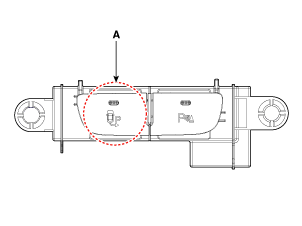
PAS Switch (A): The PAS switch is used to turn the PAS warning function on or off.
SPAS Switch (A): The SPAS switch selects the parking mode.
LED indicator
Item
Condition
Description
PAS
ON
PAS operating
OFF
PAS not operating
Flashing
System is under diagnosis or malfunction
SPAS
ON
SPAS operating
OFF
SPAS not operating
Flashing
Coding error, malfunction or system diagnosis
Main Specifications
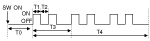
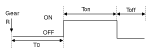
The PAS auto-on function applies when the shift lever is changed to R.
The PAS auto-on function applies when the SPAS switch is turned on.
Only PAS is turned off when the PAS switch is pressed during SPAS operation, and PAS operates in parking space search mode.
Both SPAS and PAS are turned off when the PAS switch is pressed during SPAS and PAS operation in steering mode.
SPAS and PAS are turned off, and PAS operates continuously when SPAS is pressed during operation.
Select Parking Mode
Mode selection priority (Europe, LHD): Parallel right → Parallel left → Perpendicular right → Perpendicular left → OFF.
SPAS mode changes to OFF when the SPAS switch is pressed for more than 1.5 seconds to select the parking mode.
The parking mode can be selected only in D and N ranges (if vehicle speed is below 5 km/h once).
Shift positions in which the parking mode cannot be selected: P, R.
Warning Sound on Instrument Cluster
SPAS-related information is displayed on the instrument cluster during SPAS operation, and PAS is displayed after SPAS completes. ※ PAS is displayed 4 seconds after SPAS is turned off during SPAS operation, and 2 seconds after a malfunction.
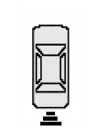
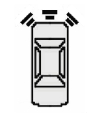
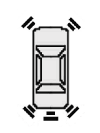
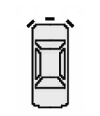
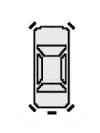
The obstacle position is displayed on the instrument cluster when only PAS is operating.
Three sectors are displayed for the front and rear respectively.
The warning stage depending on the distance is displayed in each sector.
Distance to object
Warning Indicator
Warning Sound
Indicator Display
While driving Forward
While driving Reverse
100 cm ~ 61 cm
Front
-
Buzzer beeps intermittently
Lighting
120 cm ~ 61 cm
Rear
-
Buzzer beeps intermittently
60 cm ~ 31 cm
Front
Buzzer beeps frequently
Rear
-
Buzzer beeps frequently
30 cm or less
Front
Buzzer sounds continuously
Rear
-
Buzzer sounds continuously
When shifting into R (reverse).
Condition
Warning Indicator
Indicator Display
Sensor Malfunction
flashes
Warning Sound Control
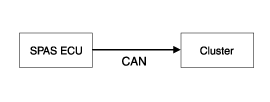
How to Transmit SPAS Warning Signal: Transmission Using Sound Source IC of Cluster
The cluster is controlled via CAN communication with the SPAS ECU.
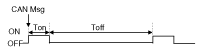
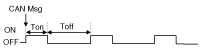
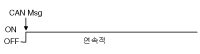
Sound pattern type: Sound pattern implemented in 3 frequency ranges (front warning, rear warning, and warning tone sounds)
The continuous warning pattern is applied to the front and rear warnings.