System Settings
Memory Information
press Press the key. Select [System]. Select [Memory Information].
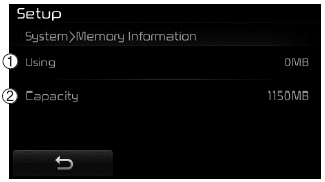
This feature displays information related to the system memory.
(1) Used: Displays the currently used capacity
(2) Capacity: Displays the total capacity
Voice Recognition Mode Settings
pressPress the key. Select [System]. Select [Voice Recognition System].
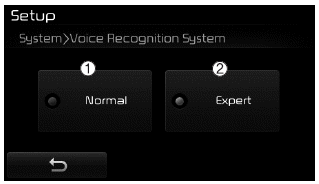
This feature is used to select the desired voice feedback option from Normal and Expert.
(1) Normal: When using voice recognition, provides detailed voice prompts
(2) Expert: When using voice recognition, omits some voice prompts
✽ NOTICE
Voice recognition depends on the audio system.
Language
pressPress the key. Select [System]. Select [Language].
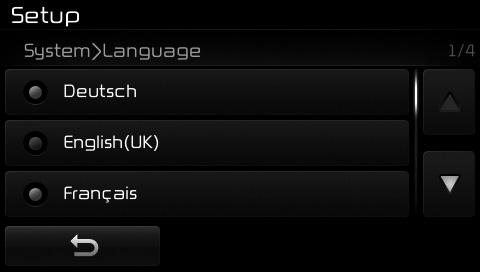
This feature is used to change the system and voice recognition language.
If the language is changed, the system will restart and apply the selected language.
Test yourself
A quick Kia Cee'd quiz: every answer comes with an explanation and a link to the manual page.