LCD Modes
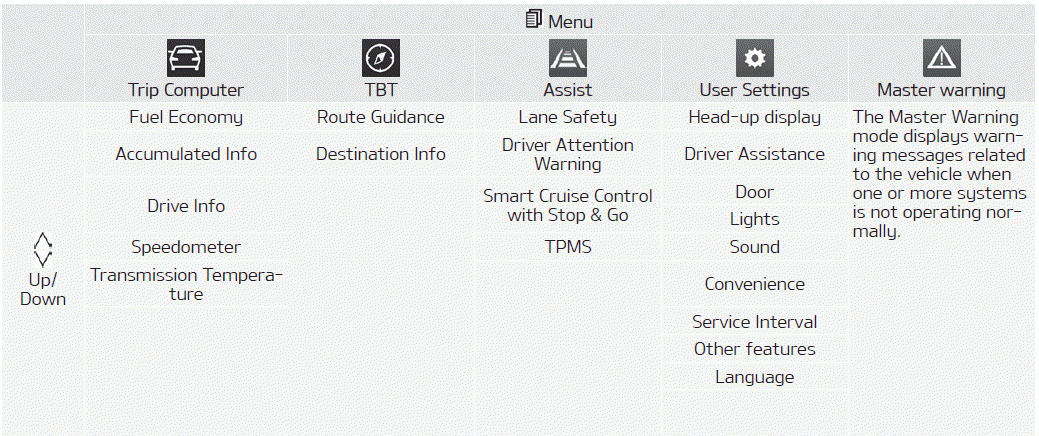
Trip Computer Mode
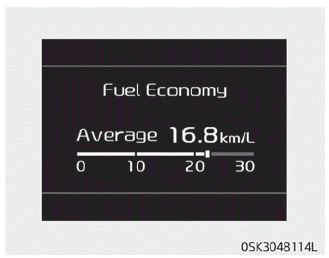
The trip computer mode displays information about vehicle driving, including fuel economy, odometer information, and vehicle speed.
❈ For details, refer to “Trip Computer” on page 4-62.
Turn By Turn (TBT) Mode
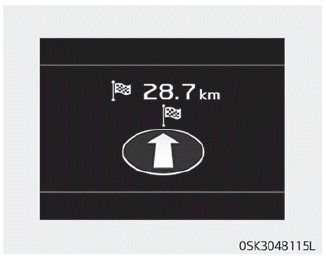
This mode displays the navigation status.
Assist Mode
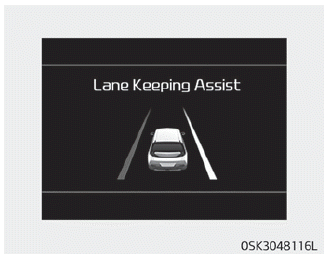
This mode displays the status of:
- Lane Safety System
- Driver Attention Warning (DAW)
- Smart Cruise Control with Stop & Go function
- Tire pressure
Main Warning Mode
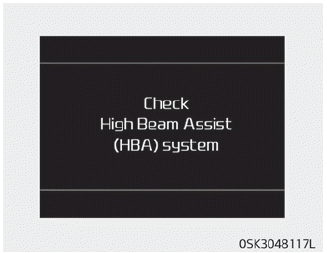
This warning light informs the driver of the following situations.
- LED headlamp malfunction (if equipped)
- Forward Collision-Avoidance Assist malfunction (if equipped)
- Collision-avoidance radar blocked (if equipped)
- Blind-Spot Collision Warning malfunction (if equipped)
- Blind-Spot Collision Warning radar blocked (if equipped)
- Smart Cruise Control with Stop & Go malfunction (if equipped)
- Smart Cruise Control with Stop & Go radar blocked (if equipped)
- Bulb malfunction
- High Beam Assist malfunction (if equipped)
At this time, the master warning icon ( ) appears next to the user settings icon (
 ), appears on the LCD display. If the warning condition is cleared, the master warning lamp will turn off and the master warning icon will disappear.
Transmission Temperature Gauge (for Dual Clutch Transmission)
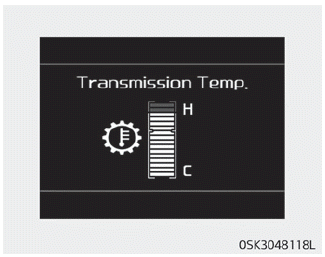
This mode displays the transmission temperature.
Test yourself
A quick Kia Soul Owner's Manual quiz: every answer comes with an explanation and a link to the manual page.