Driving Your Vehicle
Smart Cruise Control Malfunction Message
In this manual: Driving Your Vehicle
~1min read
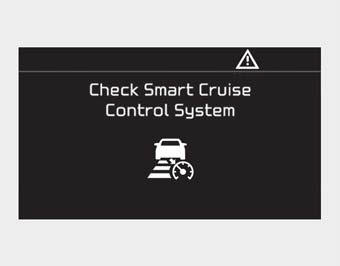
This message appears when the cruise control is not operating normally.
Take your vehicle to an authorized Kia dealer and have the system inspected.
CAUTION
- Do not install accessories around the sensor or replace the bumper yourself. This may affect sensor performance.
- Always keep the sensor and bumper clean.
- Use only a soft cloth to wash the vehicle. Do not spray water directly onto the sensor or sensor cover under high pressure.
- Be careful not to apply unnecessary force to the radar sensor or sensor cover. If the sensor is forcibly moved out of proper alignment, Smart Cruise Control may not operate properly. In this case, the warning message may not be displayed. Have the system inspected by an authorized Kia dealer.
- Do not damage the sensor or sensor area with a strong impact. If the sensor moves slightly out of position, Smart Cruise Control may not operate properly without a warning message or indicator in the cluster. If this occurs, have your vehicle inspected by an authorized Kia dealer as soon as possible.
- Use only an original Kia sensor cover for your vehicle. Do not paint anything on the sensor cover.
- If the front bumper is damaged in the area around the radar sensor, Smart Cruise Control may not operate properly.
- To prevent damage to the sensor cover, wash the vehicle with a soft cloth.
- Do not tint the windows or install stickers or accessories around the inside rearview mirror where the camera is installed.
- Make sure the front camera installation point does not get wet.
- Do not place reflective objects (white paper or a mirror, etc.) on the dashboard. FCA may activate unnecessarily due to reflected sunlight.
- Do not impact or arbitrarily remove any front view camera components.
Test yourself
A quick Kia Cadenza VG Owner's Manual quiz: every answer comes with an explanation and a link to the manual page.
Was this page helpful?