Restraints
SRS Control Module (SRSCM) Repair Procedures
In this manual: Restraints
19steps
~114min
4/5difficulty
Done 0 of 19
Removal
- Remove the ignition key from the vehicle.
- Disconnect the negative battery cable and wait at least three minutes before starting work.
- Remove the floor console. (Refer to Body - Console)
- Lift the lock (C) of the SRSCM connector, then disconnect the connectors (A and B).
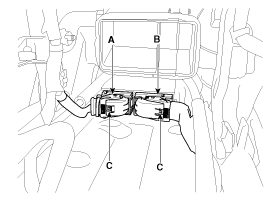
- Remove the SRSCM mounting nuts from the SRSCM, then remove the SRSCM.
Installation
- Remove the ignition key from the vehicle.
- Disconnect the negative battery cable and wait at least three minutes before starting work.
- Install the SRSCM using the SRSCM mounting nuts.
Tightening torque: 7.0 ~ 9 N·m
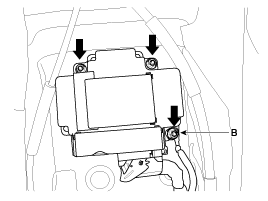
- Connect the SRSCM wiring harness connector.
- Install the floor console. (Refer to Body group - Console)
- Connect the negative battery cable.
- After installing the SRSCM, check that the system operates correctly:
- Turn the ignition ON; the SRS indicator should illuminate for approximately six seconds, then turn off.
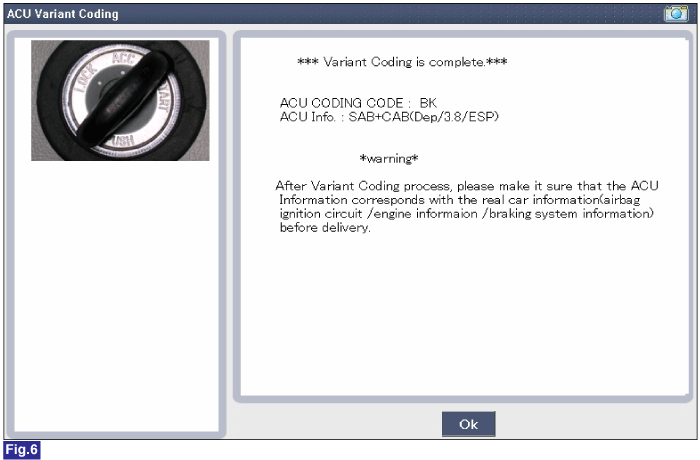
Variant Coding
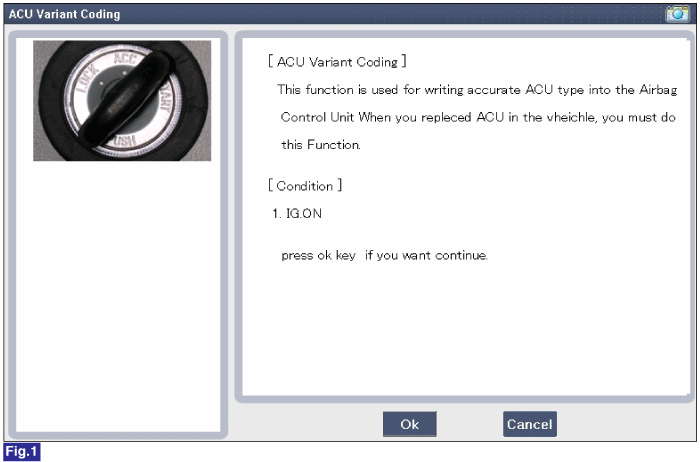
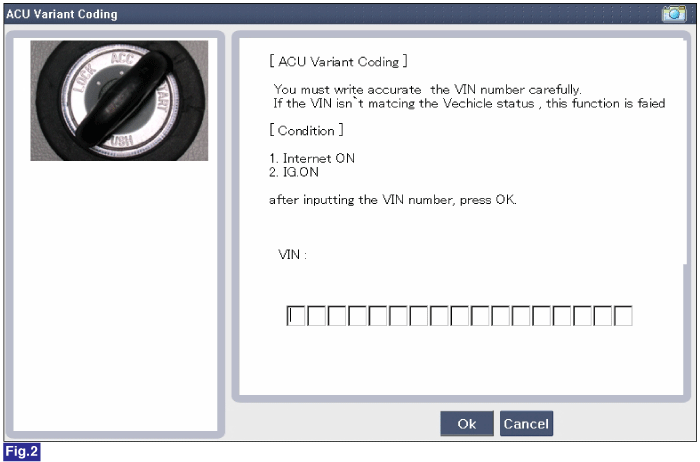
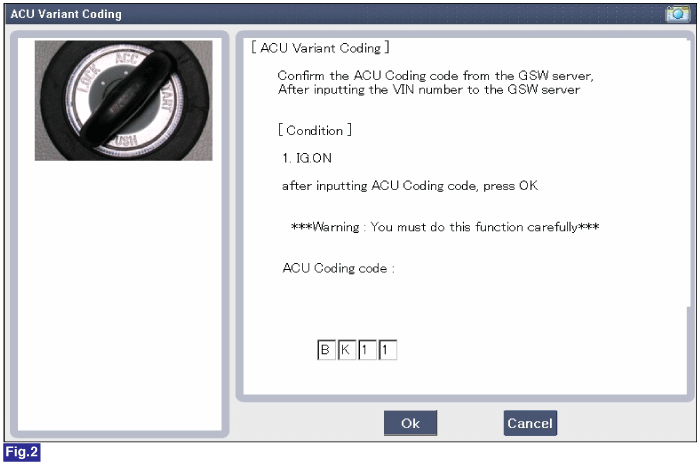
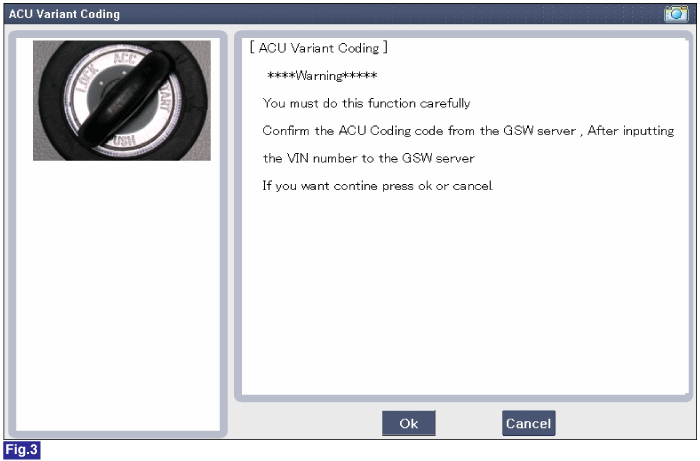
After replacing the SRSCM with a new one, perform the "Variant Coding" procedure.Variant Coding ProcedureOnline Type on GDS
- With the ignition OFF, connect the GDS.
- With the ignition ON and engine OFF, select the vehicle name and the airbag system.
- Select the variant coding mode.
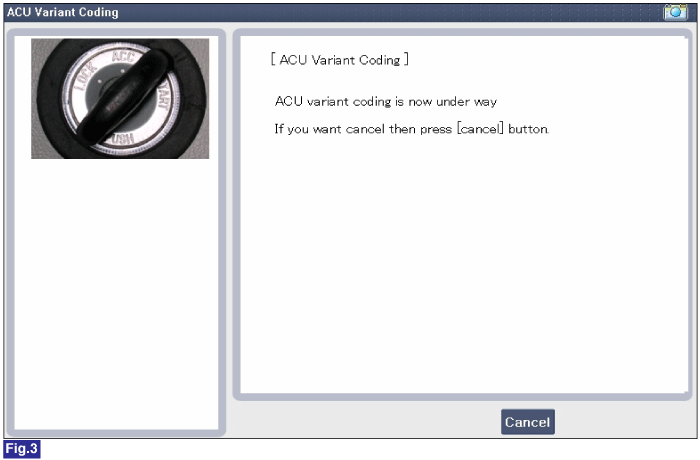
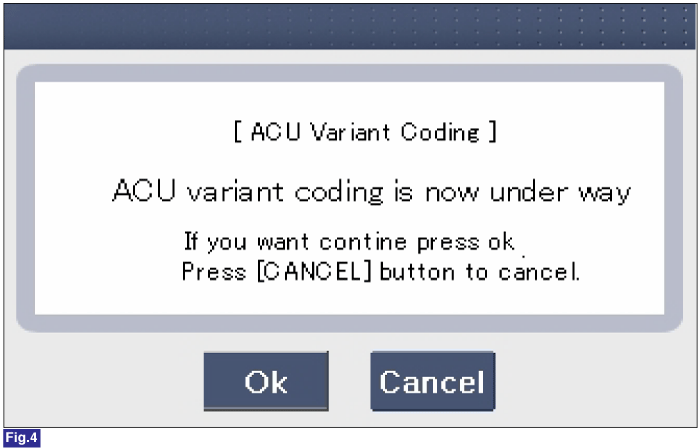
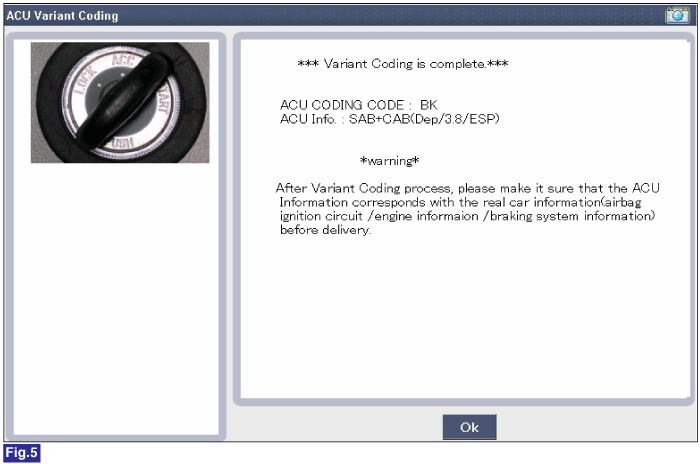
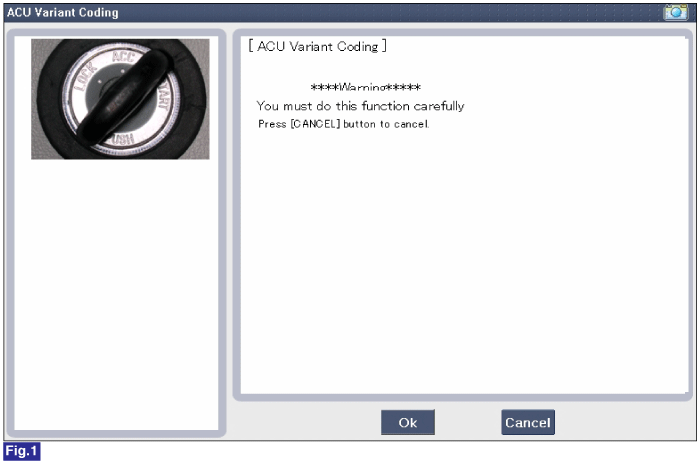
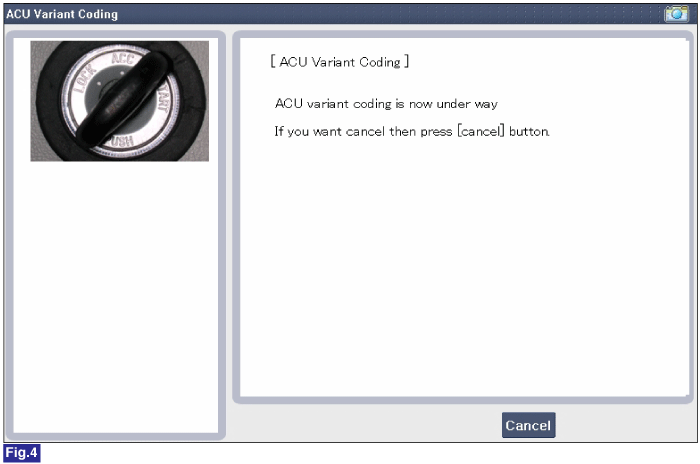
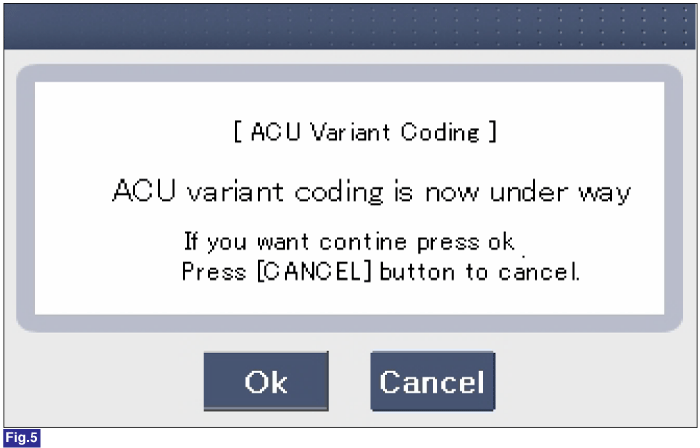
- Follow the on-screen instructions as shown below.
Test yourself
A quick Kia Optima Hybrid Owner's Manual quiz: every answer comes with an explanation and a link to the manual page.
Was this page helpful?