LCD Messages
Shift Switch Malfunction
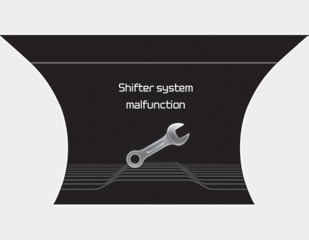
A warning message appears on the LCD display when the transmission or shift lever does not operate properly in the P (Park) position. In this case, we recommend that you have the vehicle inspected by an authorized Kia dealer immediately.
Check Shift Lever
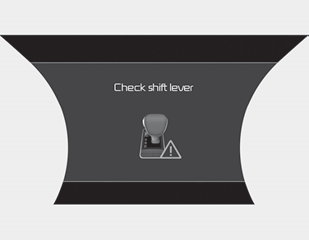
A warning message appears on the LCD display when a malfunction occurs in one of the main transmission components.
In this case, have the vehicle inspected by an authorized Kia dealer immediately.
Shift Conditions Not Met
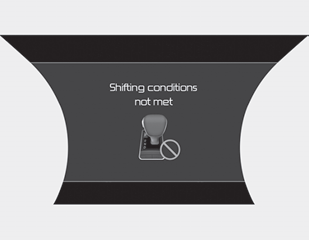
A warning message appears on the LCD display when the engine speed is too high or the vehicle speed is too high to shift gears.
We recommend that you reduce the engine speed or reduce the vehicle speed before shifting gears.
Depress the brake pedal to shift the transmission.
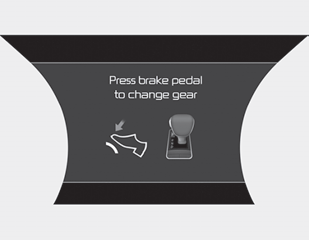
A warning message appears on the LCD display when the brake pedal is not depressed while shifting gears.
We recommend that you depress the brake pedal, and then shift gears.
Shifting to P after stopping
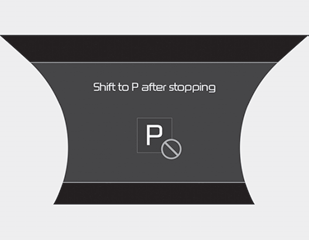
A warning message appears on the LCD display when the brake pedal is not depressed while shifting gears.
We recommend that you depress the brake pedal, and then shift gears.
Press RELEASE to Shift
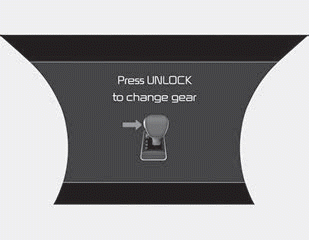
A warning message appears on the LCD display when the [RELEASE] button is not pressed while shifting gears.
We recommend that you press the [RELEASE] button, and then shift gears.
PARK Selected
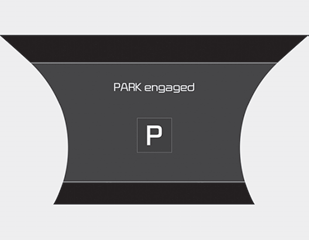
A message appears on the LCD display when P (Park) is selected.
NEUTRAL Selected
A message appears on the LCD display when N (Neutral) is selected.
Test yourself
A quick Kia Stinger CK quiz: every answer comes with an explanation and a link to the manual page.