Media Player
Connecting a Device via the USB Port
In this manual: Media Player
~1min read
External audio sources, such as an iPod® or MP3 player, can be connected to the audio system via any of the vehicle's USB ports. If the vehicle has two USB ports, the phone must be connected to the port with the white frame to use Apple CarPlay* or Android Auto*.
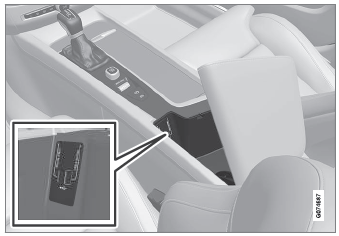
USB ports (type A) in the center console. Route the cable forward to help avoid pinching when the cover is closed.
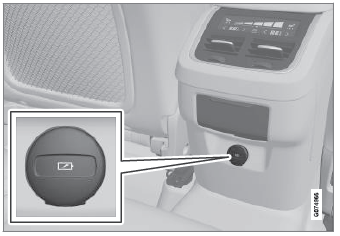
USB ports (type C) on rear of tunnel console for charging phones, tablets, etc.1.
1 It is not possible to playback media in the car's audio or media system via this input.
* Option/accessory.
Test yourself
A quick Volvo XC90 quiz: every answer comes with an explanation and a link to the manual page.
Was this page helpful?