Vehicle Specifications
Pairing via [PHONE] Setup
In this manual: Vehicle Specifications
~1min read
press Press the key, select [Phone], then select [Connect Phone]
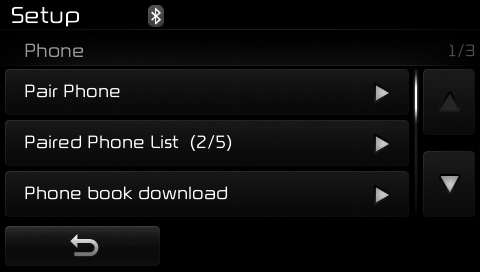
The following steps are similar to those described in the section "When No Device Has Been Paired" on the previous page.
✽ NOTICE
- The waiting period during call pairing lasts one minute. The pairing process will fail if the device is not paired within this time. If the pairing process fails, you must start the process again from the beginning. • In general, most Bluetooth® wireless technology devices will connect automatically once pairing is complete. However, some devices may require a separate process to connect. Make sure Bluetooth® wireless technology has been correctly activated on your mobile phone.
- The list of paired Bluetooth® wireless technology devices can be viewed in [Phone] [Paired Phone List].
Test yourself
A quick Kia Cee'd quiz: every answer comes with an explanation and a link to the manual page.
Was this page helpful?