Play/Pause Bluetooth® Wireless Technology Audio
Once a Bluetooth® wireless technology device is connected, the mode will start automatically.
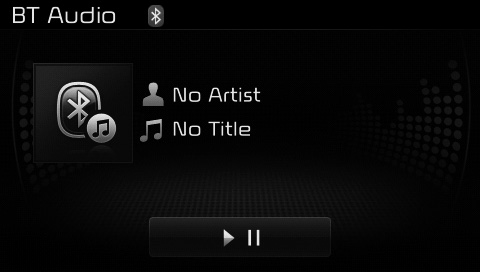
During playback, press the Press the pause buttonPress the button to play.
✽ NOTICE
The play/pause function may operate differently depending on the mobile phone.
Changing Files
press Key to move to the previous or next file.
Connection Setup
If a Bluetooth® wireless technology device has not been connected, press the [PHONE] key to display the Bluetooth® Wireless Technology connection screen.
You can use the paired phone and connect/disconnect and delete functions from your Bluetooth® wireless technology phone.
✽ NOTICE
If music is not played from your mobile device after switching to the Bluetooth® Wireless Technology Audio mode, press the play button once to start playing in the mode. Make sure that music is played through the Bluetooth® wireless technology device after switching to the Bluetooth® Wireless Technology Audio mode.
Test yourself
A quick Kia Cee'd quiz: every answer comes with an explanation and a link to the manual page.