Column and MDPS Housing
Repair Procedures
Removal
Align the steering wheel so that the front wheels point straight ahead.
Turn the ignition switch OFF and disconnect the negative (-) battery terminal.
Remove the multifunction switch module.
(Refer to Body Electrical System - "Multifunction Switch")
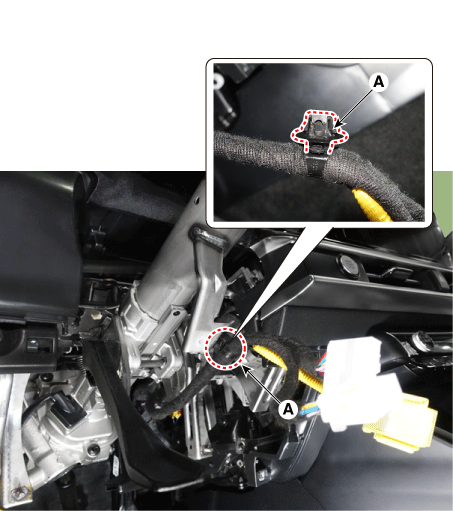
Remove the wire clip (A) from the steering column.
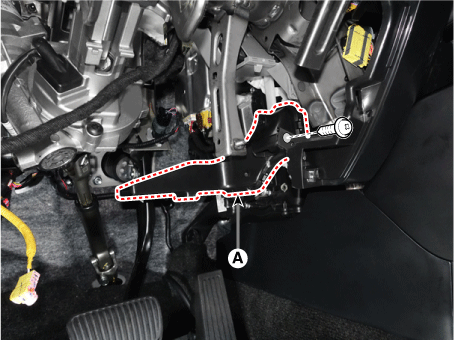
Remove the driver side vent (A) after loosening the mounting screw.
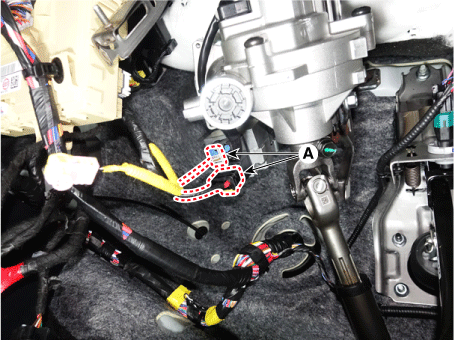
Disconnect the MDPS power supply connectors (A).
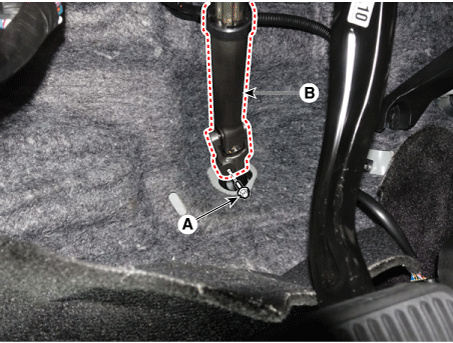
Loosen the bolt (A) and remove the universal joint (B).
Tightening Torque: 49.0–59 N·m
Remove the stop lamp switch.
(Refer to Brake System - "Stop Lamp Switch")
Loosen the mounting bolts and nuts, then remove the strut and MDPS housing (A).
Tightening Torque
Bolt: 53.9–59 N·m
Nut: 25.0–29 N·m
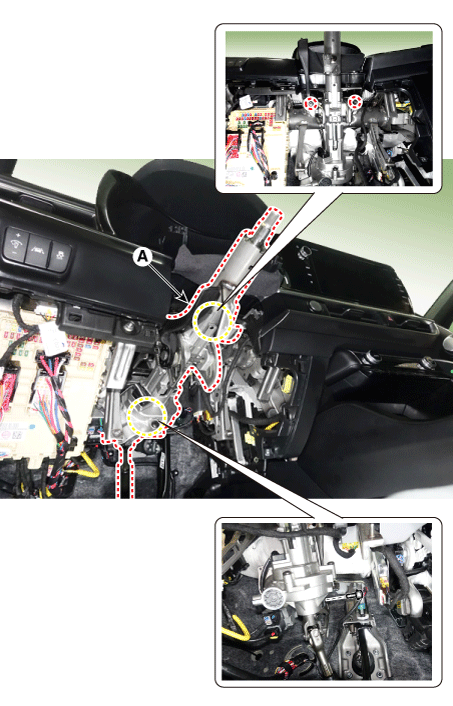
Disassembly
Loosen the mounting bolt, then remove the steering universal joint assembly (A).
Tightening Torque: 49.0–59 N·m
Installation
Installation is in the reverse order of removal.
Inspection
Inspect the steering column for damage and deformation.
Inspect the joint bearing for damage and wear.
Inspect the tilt bracket for damage and cracks.
Check the key lock operation and replace it if necessary.
Installation
Install in the reverse order of removal.
Perform "EPS Type Recognition" using the KDS.
(Refer to MDPS System - "Diagnosis by KDS")
Perform "SAS Calibration" using the KDS.
(Refer to MDPS System - "Diagnosis by KDS")
Test yourself
A quick Kia Optima DL3 quiz: every answer comes with an explanation and a link to the manual page.