TPMS Receiver
Description and Operation
Description
TPMS Receiver: Integrated Body Control Unit (IBU)
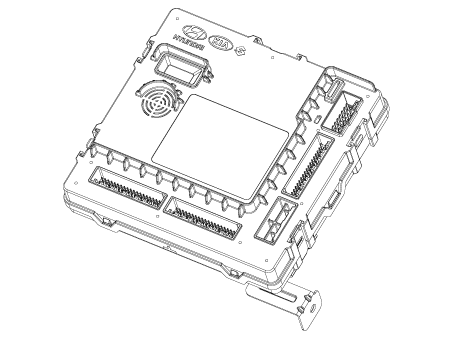
Mode
Commonwealth of Virginia
In this state, the receiver is shipped as a separate part. Therefore, service parts must arrive in this state.
In this state there is neither automatic location detection nor sensor wake-up, no sensor monitoring and no DTC monitoring.
The condition indicates that platform-specific parameters must be written to the receiver and that the sensors have not been learned.
Normal State
To monitor tire inflation status and DTCs, the receiver must be in this state.
In this condition, automatic sensor detection/learning is enabled.
Overview
Learn the TPMS sensor for automatic inflation monitoring.
Uses sensor information, distance traveled, background noise levels, auto-learn status, short/open circuit output status, vehicle battery charge level, and internal receiver states to determine whether there is a system or vehicle malfunction.
Operation
General Function
Auto-learn occurs only once per ignition cycle.
Upon successful completion, the IDs of the 4 wheel sensors are stored in memory for monitoring.
Until auto learn is completed, previously learned sensors are monitored for under-inflation / leak warnings.
General conditions for learning new sensors:
The receiver must determine that it is certain the sensor is not temporary:
a. Uses vehicle speed.
b. Uses the reduction in reliability of previously learned sensors.
Typical continuous driving time at a speed above 25 km/h to learn a new sensor is up to 20 minutes.
General conditions for canceling remote sensor learning:
It takes less than 20 minutes at a speed of 15.5 mph (20–30 km/h).
The reduction in confidence depends on the driving time of the vehicle at speeds equal to or higher than 30 km/h.
Repair Procedures
Removal
Remove the Integrated Body Control Unit (IBU).
(Refer to Body Electrical System - "Integrated Body Control Unit (IBU)").
Installation
Install in the reverse order of removal.
Diagnosis using KDS
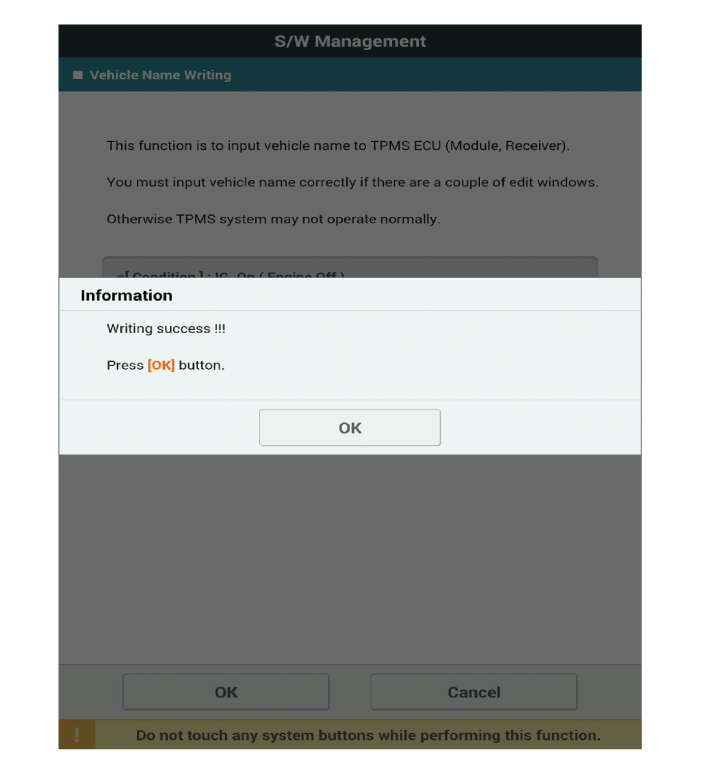
Writing the Vehicle Name
The main contents of the diagnostic procedure using the scan tool are as follows:
Connect the 16-pin diagnostic connector located in the lower driver side kick panel to the diagnostic tool, then turn on the diagnostic tool after turning the ignition key on.
Select "IBU-TPMS" and "Write Vehicle Name" on the KDS vehicle selection screen, then select OK.
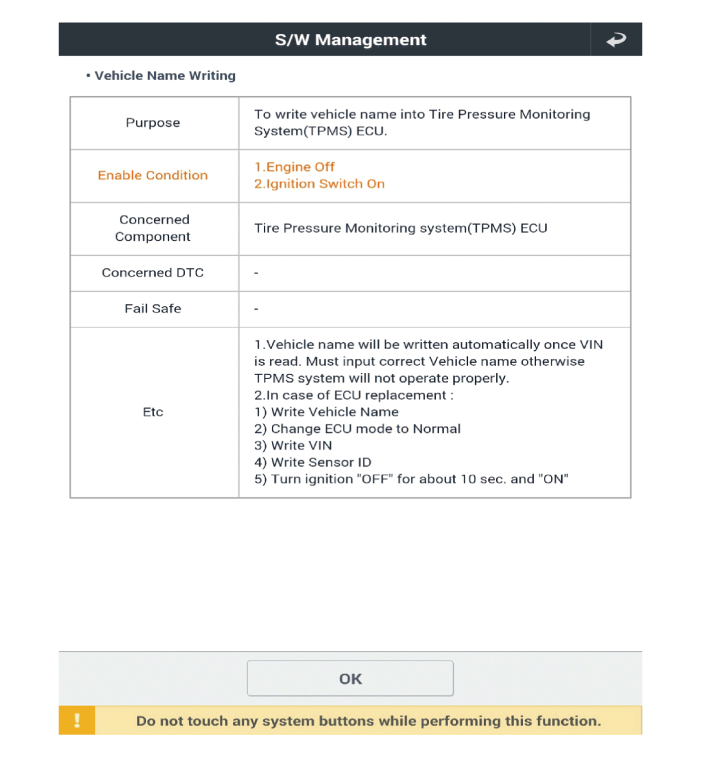
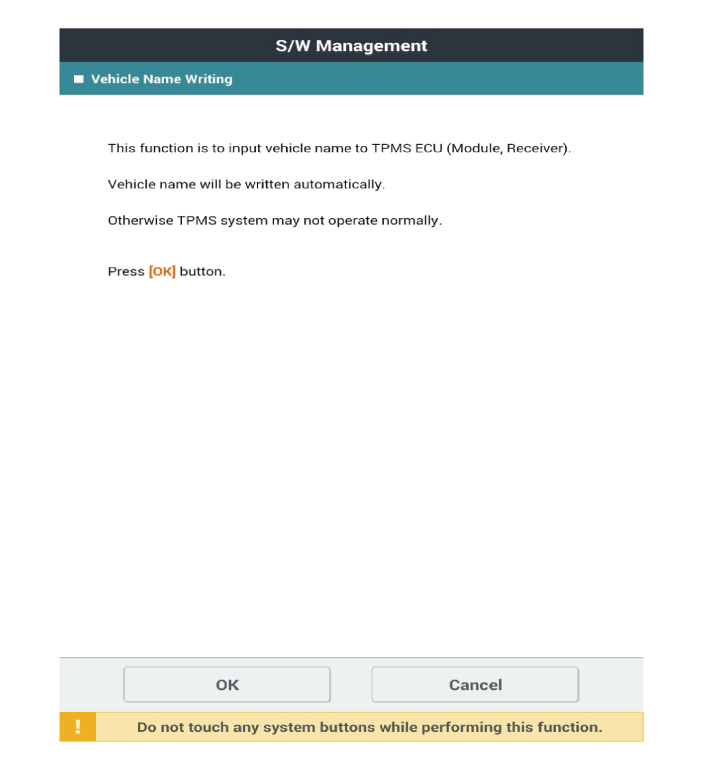
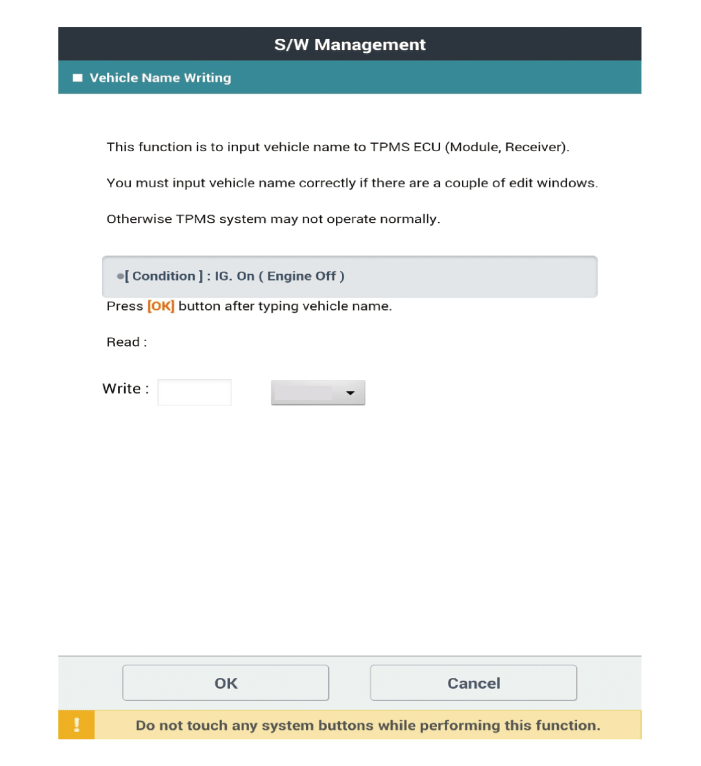
The vehicle name (read/write) is entered automatically; simply select the vehicle option on the selection tab below.
※ The vehicle designation code depends on the vehicle model.
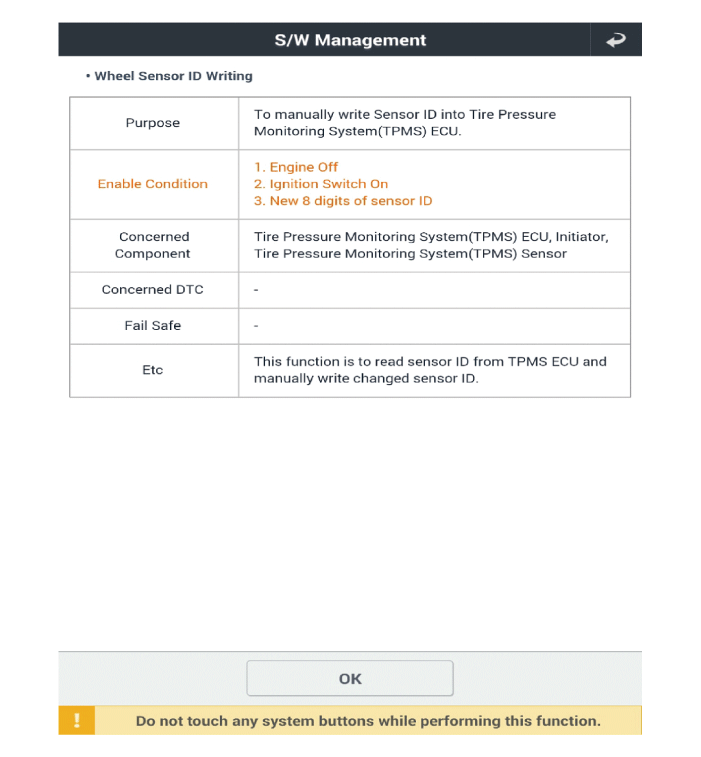
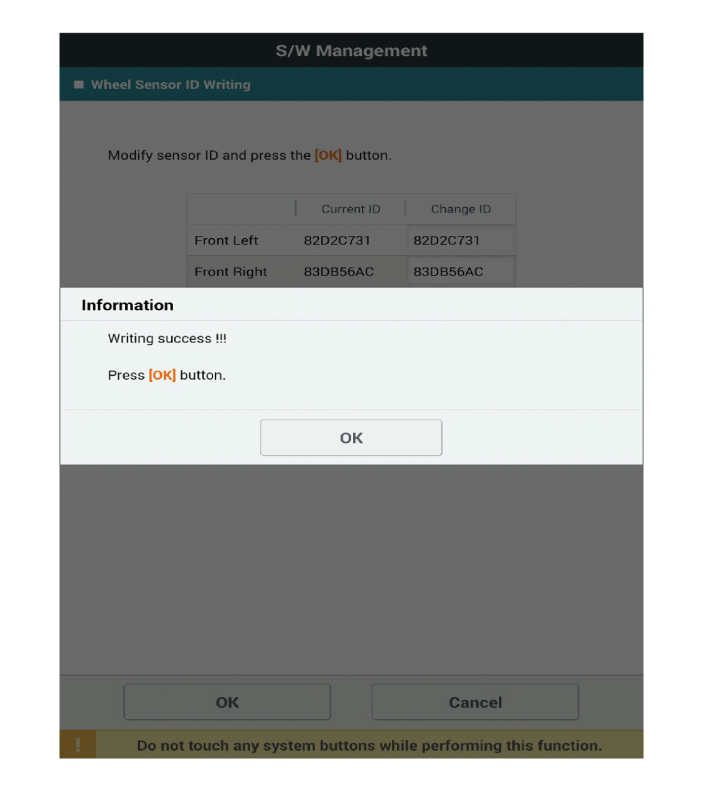
Writing the Wheel Sensor ID
The main contents of the diagnostic procedure using the scan tool are as follows:
Connect the 16-pin diagnostic connector located in the lower driver side kick panel to the diagnostic tool, then turn on the diagnostic tool after turning the ignition key on.
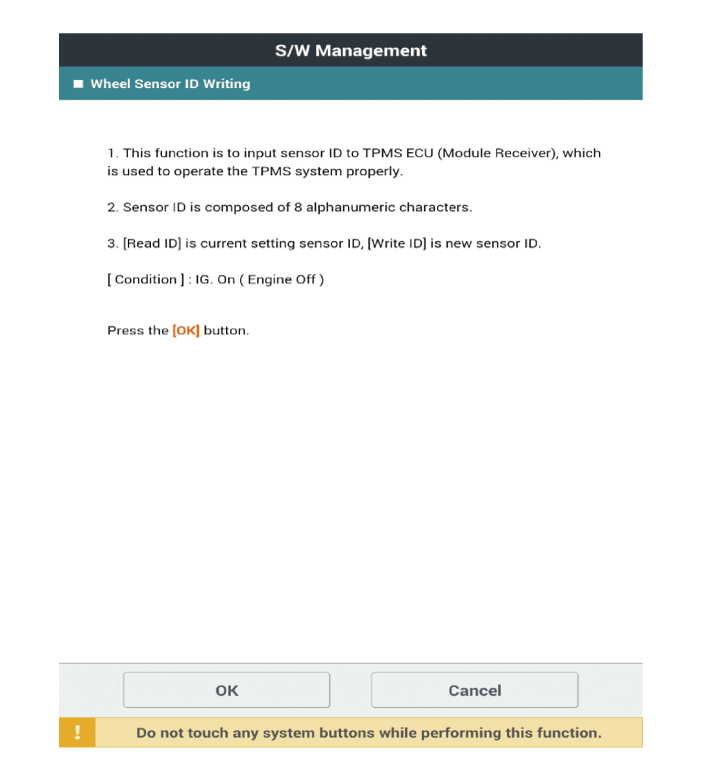
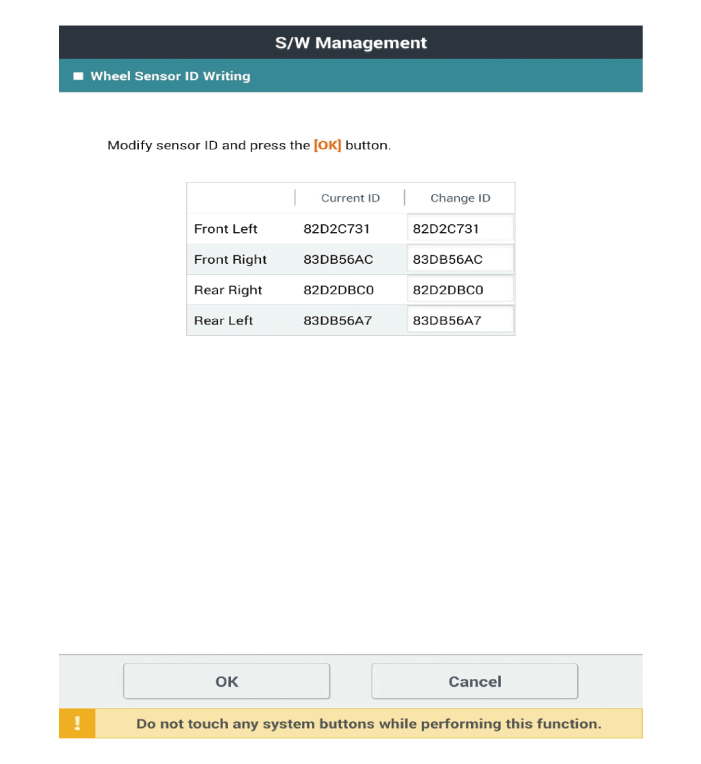
Select "IBU-TPMS" and "Write Wheel Sensor ID" on the KDS vehicle selection screen, then select OK.
Test yourself
A quick Kia Optima DL3 quiz: every answer comes with an explanation and a link to the manual page.