Power Liftgate Operation
Power Liftgate Open/Close Button (Smart Key, Instrument Panel)
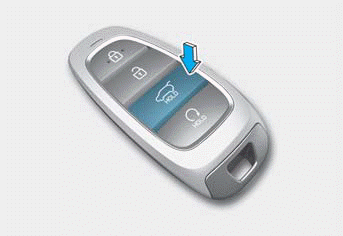
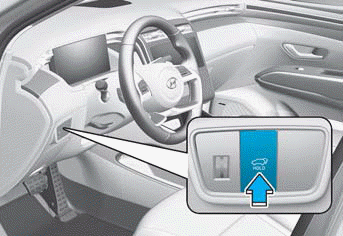
When the liftgate is closed, press and hold the power liftgate open/close button for 1 second. The power liftgate opens with a warning sound.
When the liftgate is opening, press the button to stop the power liftgate.
When the power liftgate is open, press and hold the power liftgate open/close button to close the liftgate. If you release the button while the liftgate is closing, the power liftgate stops operating with a warning sound for 5 seconds.
In addition, if the smart key is out of range (approximately 10 m) from the vehicle, the power liftgate stops operating with a warning sound for 5 seconds.
Power Liftgate Open/Close Button (Outside the Power Liftgate)
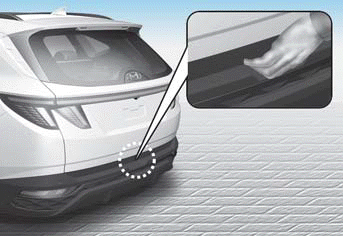
When the liftgate is closed, press the outside power liftgate open/close button to open the liftgate.
If the vehicle is locked, press the power liftgate open/close button on the smart key while carrying it.
If the liftgate is unlocked, the liftgate opens or closes with a warning sound when the power liftgate open/close button is pressed without carrying the smart key.
Power Liftgate Open/Close Button (Inside the Power Liftgate)
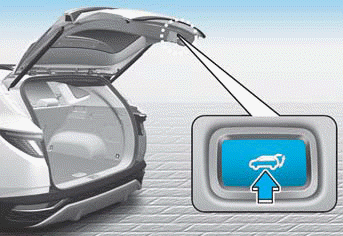
Press the power liftgate open/close button. The liftgate opens or closes automatically.
Test yourself
A quick Hyundai Tucson LM quiz: every answer comes with an explanation and a link to the manual page.