Driving Your Vehicle
Vehicle-to-vehicle distance sensor
In this manual: Driving Your Vehicle
~1min read

Smart Cruise Control uses a vehicle-to-vehicle distance sensor to detect the vehicle ahead.
Sensor warning message
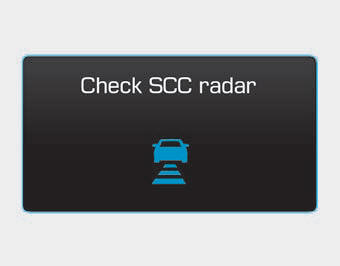
If the sensor or sensor cover is contaminated or blocked by foreign matter, such as snow, this message will appear. In this case, the system may temporarily stop functioning, but this does not indicate a malfunction of the Smart Cruise Control system. Clean the sensor or sensor cover with a soft cloth.
SCC (Smart Cruise Control) malfunction message
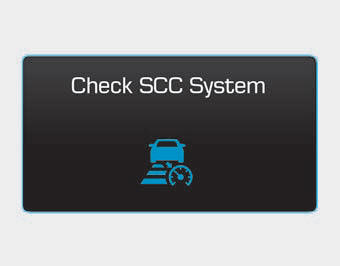
This message appears when the vehicle-to-vehicle distance control system is not operating normally.
Take your vehicle to an authorized HYUNDAI dealer and have the system inspected.
CAUTION
- Do not install accessories around the sensor or replace the bumper yourself. This may affect sensor performance.
- Always keep the sensor and bumper clean.
- To prevent damage to the sensor cover, wash the vehicle with a soft cloth.
- Do not paint the sensor cover.
- Do not damage the sensor or the sensor area with a strong impact. If the sensor is slightly misaligned, the Smart Cruise Control system will not operate correctly. If this happens, have your vehicle inspected by an authorized HYUNDAI dealer.
- Use only the original sensor cover designed for your vehicle.
Test yourself
A quick Hyundai Genesis DH quiz: every answer comes with an explanation and a link to the manual page.
Was this page helpful?